

How to Overcome Common Challenges in Salesforce Test Automation


Table of Contents


Salesforce helps businesses manage critical processes, from lead conversion to customer service. But testing the platform becomes harder as teams introduce custom Flows, Apex logic, Lightning components, and integrations. A small configuration change can affect several processes, while Salesforce's regular releases add another layer of uncertainty.
Manual testing alone struggles to keep pace with these changes. Yet simply adding automation scripts does not guarantee reliable releases. Tests need dependable data, maintainable design, and a clear place in the development lifecycle.
Understanding the most common Salesforce test automation challenges is the first step toward building a better approach. This guide explains where teams encounter difficulties, how to address them, and which testing methods deliver the most value.
Why Is Test Automation Important for Salesforce Applications?
Automated tests check whether Salesforce functionality behaves as expected after changes. Instead of repeatedly executing the same scenarios by hand, teams can validate key business rules, components, and integrations throughout development.
A well-designed Salesforce test automation strategy helps organizations:
- Reduce repetitive manual work, freeing testers for exploratory scenarios.
- Catch defects earlier, when they are usually easier to investigate.
- Run regression checks more consistently before deployments.
- Protect important workflows when customizations or platform behavior change.
- Support faster releases through continuous integration and delivery (CI/CD).
Automation does not replace human judgment. It creates a dependable foundation so testers can focus on usability, unexpected behaviors, and business risks that scripted checks might miss.
What Are the Common Challenges in Salesforce Test Automation?
The challenges in Salesforce automation testing are not limited to writing scripts. Platform behavior, organizational processes, and environment management all affect whether tests remain trustworthy.
Dynamic User Interface and Lightning Component Changes
Lightning pages render components dynamically, and elements may appear only after an asynchronous response. A locator tied to generated IDs, fragile XPath expressions, or a particular DOM structure can stop working after a UI change. Teams then spend time repairing tests rather than detecting defects.
Salesforce cautions that its HTML and DOM structures are not guaranteed to remain backward compatible. This makes tightly coupled browser scripts especially vulnerable to maintenance problems.
Complex Test Data Management
Salesforce records rarely exist in isolation. An Opportunity may require an Account, contacts, products, user permissions, and specific field values before a scenario can run. Missing relationships or validation-rule requirements can invalidate the test before it reaches the intended behavior.
The challenge grows when environments differ, records are reused across parallel runs, or large datasets are needed. Production-like information can also introduce privacy risks if sensitive fields are copied into test environments without protection.
Frequent Salesforce Releases and Platform Updates
Salesforce delivers three major seasonal releases each year. New features, security updates, and changes in platform behavior can affect custom interfaces, automation, and integrations.
A test suite that passed yesterday may require review after a release. Organizations that skip sandbox preview testing risk discovering compatibility problems only after users encounter them in production.
Testing Complex Customizations and Business Workflows
Custom objects, Apex, Flows, triggers, validation rules, and permission settings often work together. A change to one rule may alter an entire process, such as converting a lead, approving a discount, or escalating a service case.
Bulk record processing adds another challenge, as inefficient queries or DML operations can exceed Salesforce governor limits, including SOQL, DML, and CPU time limits.
Checking each component separately is necessary but insufficient. Teams must also test bulk operations and verify that data, permissions, and downstream actions work across the complete business journey without exceeding platform limits.
Integration Testing Across Multiple Systems
Salesforce commonly exchanges information with ERP, billing, identity, and customer-support systems. A successful API response does not always mean that the correct records were created or updated.
Authentication changes, rate limits, timeouts, altered payloads, and unavailable external services can disrupt tests. Coordinating test environments across systems adds another dependency that teams do not fully control.
Flaky Tests and Unreliable Test Execution
A flaky test passes on one run and fails on another without a relevant product change. In Salesforce, delayed rendering, asynchronous jobs, unstable test environments, and shared data are common contributors.
Repeated false alarms make developers distrust the suite. Teams may rerun failures without investigation or ignore warnings altogether, weakening automation's ability to protect releases.
Maintaining Test Scripts and Achieving Adequate Test Coverage
As an organization adds functionality, its test library grows. Duplicate scripts, hard-coded values, and inconsistent naming make every change more expensive.
There is also a coverage trade-off: running every browser scenario after each commit may be too slow, while testing only the happy path can leave important risks uncovered. Code coverage percentages alone cannot demonstrate that business workflows behave correctly.
Challenges in Integrating Automation with CI/CD Pipelines
Automated checks cannot safeguard a deployment if they run only when somebody remembers to launch them. CI/CD pipelines need authenticated test environments, reliable test data, appropriate test selection, and clear failure handling.
Teams also need to separate genuine product failures from infrastructure issues. Otherwise, slow or inconsistent test execution can turn the pipeline into a bottleneck rather than a quality gate.
How to Overcome Salesforce Test Automation Challenges
A practical solution pairs each problem with repeatable engineering practices. The following eight steps help teams move from fragile scripts to a sustainable testing program.
Use Resilient Locators and Maintainable Automation Frameworks
Prefer stable selectors tied to meaningful elements, not generated IDs or page position. For custom components, plan test-friendly attributes where appropriate. Encapsulate selectors and interactions in page objects so a UI change requires one update rather than dozens.
Salesforce's UI Test Automation Model (UTAM) applies the page-object approach to Salesforce interfaces. Reserve full browser tests for critical user journeys; use component tests for smaller pieces of behavior.
Establish a Structured Test Data Management Strategy
Create reusable data factories and setup scripts that generate records in dependency order. Each test should use controlled, isolated data rather than relying on records left behind by earlier runs.
Use representative datasets for permissions, validation rules, and volume-sensitive processes. Mask or synthesize sensitive information in sandboxes, and document any data prerequisites so results remain reproducible across environments.
Implement Continuous Regression Testing
Build a regression suite around core workflows, then run it after configuration changes, deployments, and Salesforce release previews. Split tests into quick smoke checks for each change and broader regression checks scheduled for suitable stages.
Use a preview sandbox to evaluate upcoming seasonal changes before production upgrades. Review failures against release notes, and update tests only after confirming whether the expected product behavior has changed.
Prioritize Testing for Customizations and Business-Critical Workflows
Start with processes where failure would have the greatest customer or operational impact. Test successful outcomes, permissions, validation errors, and edge cases—not just the most common path.
For example, an Opportunity approval process should cover eligible requests, rejected approvals, and unauthorized users. Use Apex tests for server-side logic, Jest for Lightning Web Components, and appropriate Flow tests or end-to-end checks for automation spanning multiple components.
Automate API and Integration Testing
Validate request and response schemas, authentication, error handling, retries, and the resulting Salesforce record changes. Include negative cases such as expired credentials, duplicate requests, and external-system timeouts.
For Apex unit tests, Salesforce supports mocked HTTP callouts through HttpCalloutMock, allowing predictable responses without depending on a live service. Add separate integration or contract tests where real-system interoperability must be verified.
Reduce Flaky Tests Through Reliable Execution Strategies
Replace arbitrary sleep commands with explicit waits for the expected element, state, or completed operation. Avoid running tests against shared records that another process can modify.
Capture logs, screenshots, and failure context to distinguish application defects from timing or infrastructure issues. Track recurring failures, assign owners, and fix root causes rather than relying on repeated retries to produce a green build.
Build Scalable and Reusable Test Automation Frameworks
Organize tests by business capability, reuse common interactions, and centralize configuration. Keep credentials outside source code and make test environments configurable without editing individual scripts.
Review old tests regularly. Remove duplicates, update obsolete scenarios, and measure both defect detection and maintenance effort. A smaller, dependable suite is often more useful than a large collection of inconsistent checks.
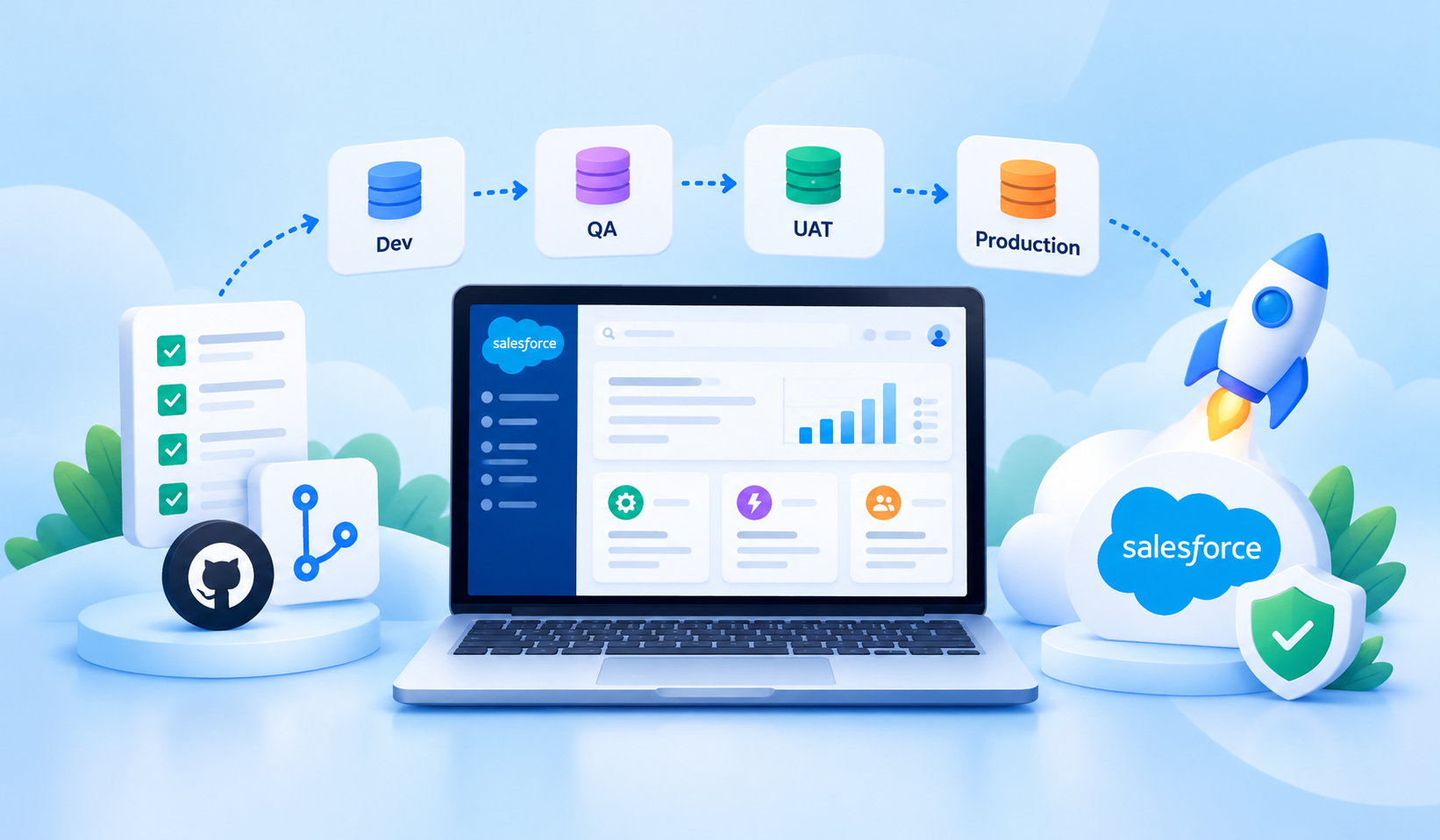
Integrate Automated Testing into CI/CD Workflows
Trigger targeted unit and component tests on pull requests. During deployment validation, run the appropriate Apex tests and smoke checks; schedule broader integration and end-to-end suites for later stages.
Use Salesforce CLI deployment validation and publish test results where developers can inspect them. Establish a clear rule: critical failures block promotion, while environment failures are investigated separately. This makes automated testing for Salesforce part of delivery, not an afterthought.
What Are the Best Practices for Salesforce Test Automation?
Successful Salesforce testing automation balances speed, coverage, security, and maintainability. Teams should adopt a few consistent operating practices:
- Define coverage by business risk. Map important processes to test cases and owners.
- Use a testing pyramid. Favor fast unit and component tests, supported by API checks and selective end-to-end tests.
- Keep test data independent. Generate records deliberately and avoid reliance on existing org data.
- Test access controls. Verify CRUD permissions, field-level security (FLS), record-level access, and relevant user roles and permission sets to ensure users can access only authorized data and operations.
- Prepare for releases. Review release notes and test impacted workflows in preview sandboxes.
- Monitor suite health. Measure pass rates, flaky-test frequency, execution time, and defects that escape testing.
- Maintain continuously. Refactor scripts when workflows change instead of postponing cleanup.
Salesforce requires at least 75% overall Apex code coverage for deployment in applicable contexts, but that threshold is a minimum—not a substitute for meaningful assertions or end-to-end business validation.
Which Salesforce Testing Approach Should Businesses Choose?
No single method covers every risk. Choose the appropriate level of testing based on what changed and how much of the workflow must be validated.
A layered strategy offers the strongest balance. For example, test an approval rule in Apex, verify component feedback with Jest, validate downstream API updates, and use one browser test to confirm the complete approval journey. This approach keeps Salesforce test automation focused on the risks that matter while making automated testing for Salesforce easier to sustain.
Conclusion
The biggest Salesforce test automation challenges come from changing interfaces, interconnected business logic, complex data, and external dependencies. None requires abandoning automation. They require better structure.
By using maintainable frameworks, isolated test data, risk-based coverage, continuous regression checks, and CI/CD quality gates, teams can detect problems earlier without creating an unmanageable test suite.
At Softsquare, we help organizations build and improve Salesforce solutions with long-term reliability in mind. If your releases are slowed by fragile tests or inconsistent validation, connect with our Salesforce experts to discuss a practical testing strategy.
Ready to Transform with AI?
Frequently Asked Questions
Common issues include dynamic Lightning interfaces, complex test data, seasonal releases, custom workflows, integration dependencies, flaky tests, and growing maintenance effort.
Salesforce combines configurable functionality with custom code, permissions, asynchronous processing, and connected systems. Testing needs to account for how these pieces interact.
Use stable selectors, reusable frameworks, isolated test data, risk-based regression suites, and automated CI/CD checks. Review the suite after significant platform changes.
Common choices include Apex tests, Jest for LWC, Salesforce UTAM, Selenium or Playwright for selected UI journeys, and API-testing tools. Choose by testing layer and team expertise.
Seasonal releases can change platform behavior or interfaces. Review release notes and rerun relevant tests in a preview sandbox before production upgrades.
Use explicit waits, independent test data, controlled environments, and failure diagnostics. Investigate repeated intermittent failures instead of automatically rerunning them indefinitely.
Manual testing relies on human exploration and judgment. Automated testing runs repeatable checks consistently; the most effective quality strategy combines both approaches.
More Insights for you





















Ready to Transform Your Business with Salesforce & AI?
