

Sales Cloud vs Service Cloud: Key Differences Explained


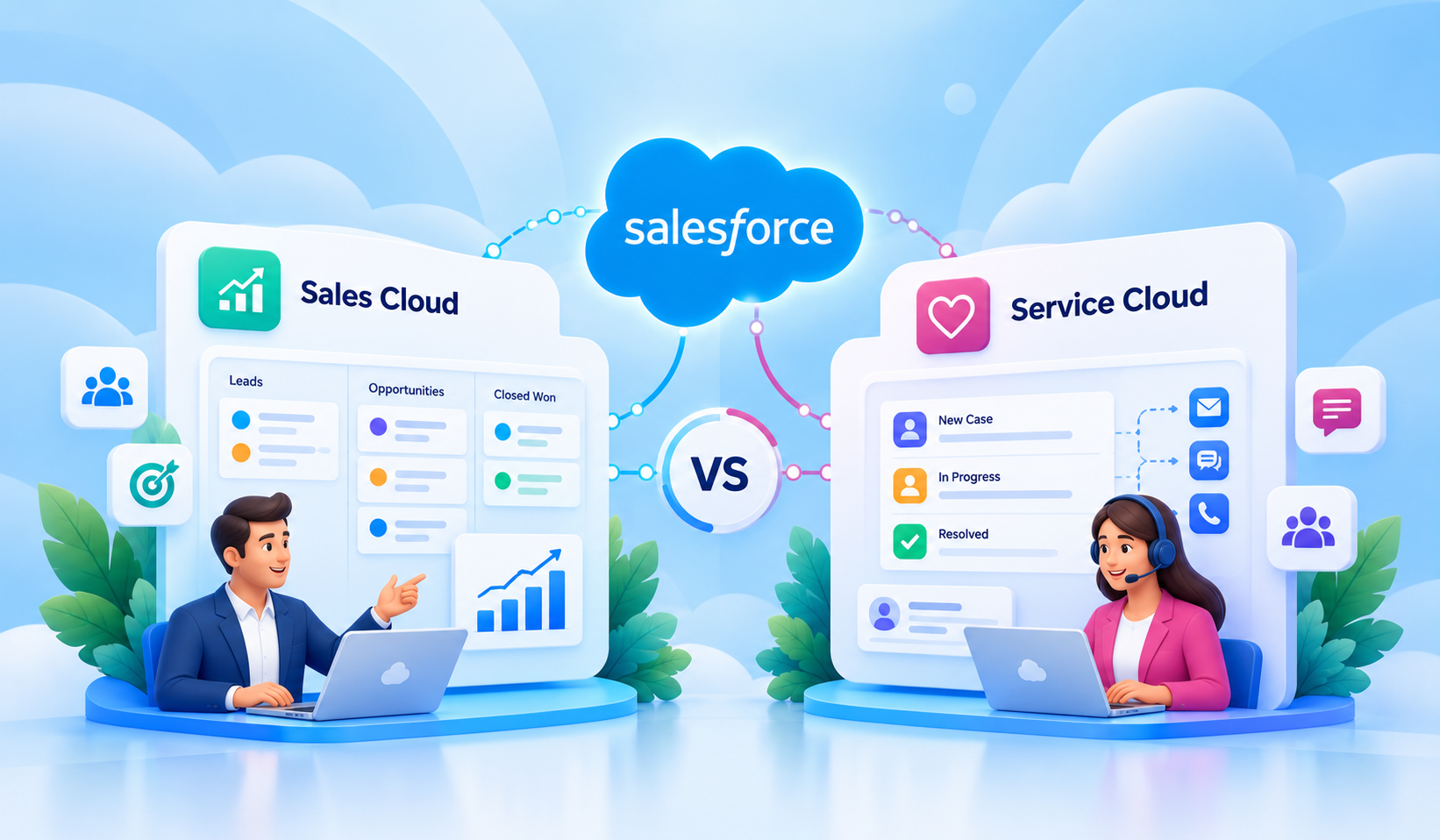
Table of Contents


Salesforce offers different CRM solutions to manage customer relationships, but sales and service teams have different priorities. While sales representatives focus on building relationships and closing deals, support teams work to resolve issues and deliver better customer experiences.
This is where Sales Cloud and Service Cloud serve different purposes. Sales Cloud helps businesses manage leads, opportunities, sales pipelines, and revenue growth. Service Cloud focuses on customer support, case management, and issue resolution.
In this Sales Cloud vs Service Cloud comparison, we'll explore their key differences, features, business use cases, and how to choose the right Salesforce solution for your organization.
What Is Salesforce Sales Cloud?
Salesforce Sales Cloud is a CRM solution that helps businesses manage their sales lifecycle, from identifying potential customers to closing deals and growing existing accounts.
It brings leads, opportunities, customer information, sales activities, and revenue forecasts into one platform.
For example, a B2B sales team can track potential customers, prioritize follow-ups, manage deal progression, and forecast upcoming revenue without relying on disconnected spreadsheets.
Sales Cloud helps sales representatives stay organized while giving managers and revenue operations teams better visibility into pipeline performance.
What Is Salesforce Service Cloud?
Salesforce Service Cloud is a customer service platform designed to help businesses manage customer inquiries, resolve issues, and deliver consistent support experiences.
While Sales Cloud primarily supports activities leading up to a sale, Service Cloud helps organizations manage service interactions throughout the customer relationship.
Imagine a software company receiving customer requests through email, phone, and chat. Without a centralized system, support teams may struggle to track conversations, identify urgent issues, or understand what has already been communicated.
Service Cloud helps organize these interactions through case management and service workflows.
Sales Cloud vs Service Cloud: Key Differences
The biggest difference between Sales Cloud and Service Cloud is not simply the features they offer. It is the business processes they are primarily designed to support.
Sales Cloud helps teams identify and convert business opportunities. Service Cloud helps teams manage customer requests and deliver support.
Here is a practical comparison of Salesforce Sales Cloud vs Service Cloud.
How These Differences Affect Everyday Work
Consider a business selling industrial equipment.
The sales team needs to track potential buyers, prepare proposals, manage opportunities, and forecast upcoming orders. Sales Cloud provides the structure for managing those activities.
Once a customer purchases equipment, they may need installation assistance, maintenance support, or help resolving technical issues. Service Cloud helps the support team manage these requests and follow them through to resolution.
The two teams work with the same customer but have different responsibilities.
This distinction is important because choosing a Salesforce solution based only on its feature list may leave your most critical workflows inadequately supported.
Sales Cloud vs Service Cloud: Feature Comparison
When comparing Sales Cloud vs Service Cloud features, it helps to understand how their capabilities support real business activities rather than viewing them as isolated tools.
Key Features of Salesforce Sales Cloud
1. Lead and Opportunity Management
Sales Cloud helps teams manage prospects from initial interest through qualification and deal closure. Representatives can track opportunity stages, expected revenue, and next steps without losing visibility into ongoing deals.
2. Account and Contact Management
Sales teams can maintain customer information, identify key decision-makers, and review previous interactions. This provides useful context when managing multiple contacts within the same organization.
3. Pipeline Visibility and Forecasting
Sales managers can monitor opportunities at different stages and evaluate expected revenue. Forecasting capabilities help teams plan sales targets and identify potential gaps in their pipeline.
4. Account Planning and Whitespace Analysis
Sales Account Plans help teams define customer objectives, understand key relationships, and manage account growth strategies. Product Whitespace highlights potential upselling and cross-selling opportunities using relevant historical opportunity product data.
5. Sales Activity Tracking and Reporting
Calls, meetings, tasks, and follow-ups can be tracked against relevant records. Reports and dashboards help managers evaluate performance and understand where additional attention is needed.
6. Sales Process Automation and Action Plans
Sales Cloud supports automated lead assignments, follow-ups, and opportunity workflows. Sales Action Plans help teams execute repeatable activities and track responsibilities consistently.
Key Features of Salesforce Service Cloud
1. Customer Case Management
Service Cloud helps teams track customer requests from creation to resolution, including case status, ownership, priority, and related customer information.
2. Case Assignment and Escalation
Organizations can configure routing and escalation processes so customer issues reach the appropriate representatives and receive attention according to business priorities.
3. Entitlements and SLA Management
Service Cloud helps organizations manage customer support entitlements and service commitments. SLA Policies define the timelines and conditions support teams must follow.
4. Milestone Tracking
Milestones help service teams monitor response and resolution deadlines, track progress against SLAs, and trigger configured actions when deadlines approach or are missed.
5. Knowledge Management
Support teams can use Salesforce Knowledge to find relevant articles, troubleshooting instructions, and approved solutions, reducing the need to repeatedly investigate common issues.
6. Omnichannel Customer Service
Supported channels such as messaging, chat, and other integrated service channels can be managed through configured service experiences, helping agents handle incoming work more efficiently.
7. Service Reporting and Agent Productivity
Service consoles, dashboards, and productivity tools help agents manage their workloads while enabling managers to track service performance and identify bottlenecks.
Both clouds also offer opportunities to incorporate AI-powered capabilities, depending on the Salesforce products, editions, and additional entitlements selected.
Important: Feature availability varies by Salesforce product, edition, and licensing. Certain capabilities require additional configuration or entitlements.
What Are the Similarities Between Sales Cloud and Service Cloud?
Although their primary purposes differ, Sales Cloud and Service Cloud share several important foundations.
Both are built on the Salesforce Platform, allowing organizations to manage customer information, configure business processes, and develop connected CRM experiences.
Their common capabilities include:
- Shared customer records: Accounts and contacts help teams maintain relevant customer information.
- Reporting and dashboards: Both support visibility into operational performance using Salesforce reporting capabilities.
- Workflow automation: Salesforce Flow and other platform tools can automate supported business processes.
- Customization: Organizations can configure objects, fields, layouts, permissions, and workflows based on business requirements.
- Integration capabilities: Both can connect with other applications and business systems through supported Salesforce integration options.
For example, a sales representative can review relevant support issues before a customer renewal discussion, while a service agent can access permitted account information for better context.
Although both clouds share the Salesforce Platform, their specialized workflows and licensing requirements differ.
How to Choose Between Sales Cloud and Service Cloud
Choosing between Sales Cloud vs Service Cloud in Salesforce should begin with your business requirements, not with the number of features available.
A solution that works well for a sales-driven organization may not address the operational challenges of a customer support team.
Here is a practical approach to making the decision.
Step 1: Identify Your Primary Business Objective
Start by identifying what your organization wants to improve.
Are you struggling to manage leads, monitor opportunities, or forecast revenue? Or are customer inquiries getting delayed because support requests are scattered across different systems?
Your primary objective provides the starting point.
Step 2: Map Your Existing Workflows
Review how work currently moves through your organization.
For sales, examine lead qualification, opportunity progression, approvals, and follow-ups.
For service, evaluate case creation, assignment, escalation, and resolution.
Identify where manual work, delays, or missing information affect productivity.
Step 3: Understand Your Users and Data Requirements
Consider which teams will use Salesforce and what information they need.
Sales representatives, account managers, support agents, and supervisors may require different interfaces, permissions, and workflows.
Step 4: Evaluate Features and Automation Needs
Match your workflow requirements with the relevant Salesforce capabilities.
For example, forecasting may be essential for a sales organization, while automated case routing may be more valuable to a high-volume support center.
Prioritize the capabilities your teams will use regularly.
Step 5: Consider Integration, Implementation, and Costs
Review your existing applications, customer data, reporting requirements, and integration needs.
Also consider Salesforce editions, user licenses, additional feature entitlements, implementation effort, and ongoing administration.
Step 6: Define Measurable Outcomes
Before selecting a solution, establish how success will be measured.
- For sales teams, this could include improved opportunity conversion, pipeline accuracy, or sales cycle duration.
- For service teams, it could include reduced resolution times, fewer overdue cases, or improved customer satisfaction.
These metrics help determine whether the chosen solution delivers measurable business value.
Choose Sales Cloud If:
- Your main priority is improving sales pipeline visibility.
- You need structured lead and opportunity management.
- Sales forecasting and deal progression are critical.
- Your teams need consistent, repeatable sales processes.
- You manage strategic customer accounts and want to identify upselling and cross-selling opportunities through account planning and whitespace analysis.
Choose Service Cloud If:
- Your primary challenge is managing customer support.
- You need centralized case management and tracking.
- Case routing, escalation, and resolution need improvement.
- You want better visibility into service team performance.
- Your business needs to manage customer support agreements, track SLAs, and monitor response or resolution deadlines.
Can You Use Sales Cloud and Service Cloud Together?
Yes. Businesses can use Sales Cloud and Service Cloud together, particularly when sales and customer support are closely connected.
Consider a subscription-based software company.
Its sales team uses Sales Cloud to manage new opportunities, account relationships, and renewals. Meanwhile, its support team uses Service Cloud to track technical issues and customer requests.
When these processes are connected, sales representatives can review relevant support activity before renewal discussions. Support agents can also access permitted account information to better understand customer needs.
This creates opportunities for smoother handoffs and more informed customer interactions.
However, using both does not mean every employee needs access to every capability. User permissions, product entitlements, data visibility, and licensing should be planned according to each team's responsibilities.
Organizations should also evaluate existing Salesforce functionality before purchasing additional capabilities, as available features can vary by edition and licensing arrangement.
How Softsquare Helps Businesses Choose and Implement the Right Salesforce Cloud
Choosing the right Salesforce solution is only the beginning. Successful implementation requires aligning its capabilities with your business processes and long-term goals.
At Softsquare, we help organizations evaluate their sales and service workflows to determine whether Sales Cloud, Service Cloud, or both best fit their requirements.
Our Salesforce consulting and implementation services include:
- Solution Assessment and Planning: Evaluate existing processes, business objectives, and Salesforce requirements.
- Implementation and Customization: Configure sales pipelines, account planning, case management, SLA workflows, and user experiences.
- Automation and Integration: Connect systems, automate repetitive tasks, and improve collaboration between teams.
- Reporting and Optimization: Develop dashboards, monitor performance, and identify opportunities for improvement.
Whether you're implementing Salesforce for the first time or improving an existing setup, Softsquare helps build scalable solutions that support your business needs.
Conclusion
Choosing between Sales Cloud and Service Cloud depends on your business priorities. Whether your goal is to improve sales performance, strengthen customer support, or connect both functions, the right solution should align with your workflows, users, and expected outcomes.
Before deciding, evaluate the required features, integration needs, licensing, and implementation costs.
Need help choosing the right Salesforce Cloud? Connect with Softsquare to explore your requirements and build a Salesforce solution that supports your business goals.
Ready to Transform with AI?
Frequently Asked Questions
Sales Cloud focuses on managing leads, opportunities, sales pipelines, and revenue forecasting. Service Cloud is designed for customer support, case management, service automation, and issue resolution.
Salesforce Sales Cloud helps businesses manage leads, opportunities, sales pipelines, and revenue forecasts. It also supports strategic account planning and identifying potential upselling and cross-selling opportunities.
Salesforce Service Cloud helps businesses manage customer inquiries, support cases, and service workflows. It also supports SLA management and milestone tracking to monitor customer service commitments.
Yes. Businesses can use both within the same Salesforce environment to connect sales and customer service operations, share relevant customer information, and improve collaboration between teams.
Sales Cloud features include lead and opportunity management, forecasting, account planning, Product Whitespace, and sales automation. Service Cloud features include case management, knowledge management, Omni-Channel routing, entitlements, and SLA milestone tracking.
It depends on business priorities. Sales Cloud is suitable for businesses focused on managing leads and growing sales, while Service Cloud is useful for organizations handling customer inquiries and support requests.
Sales Cloud and Service Cloud have distinct licensing options, while Salesforce also offers combined editions. Licensing requirements depend on the features, user access, and products your organization needs.
More Insights for you









Ready to Transform Your Business with Salesforce & AI?
