

Claude and Salesforce Agentforce: How They Work Together


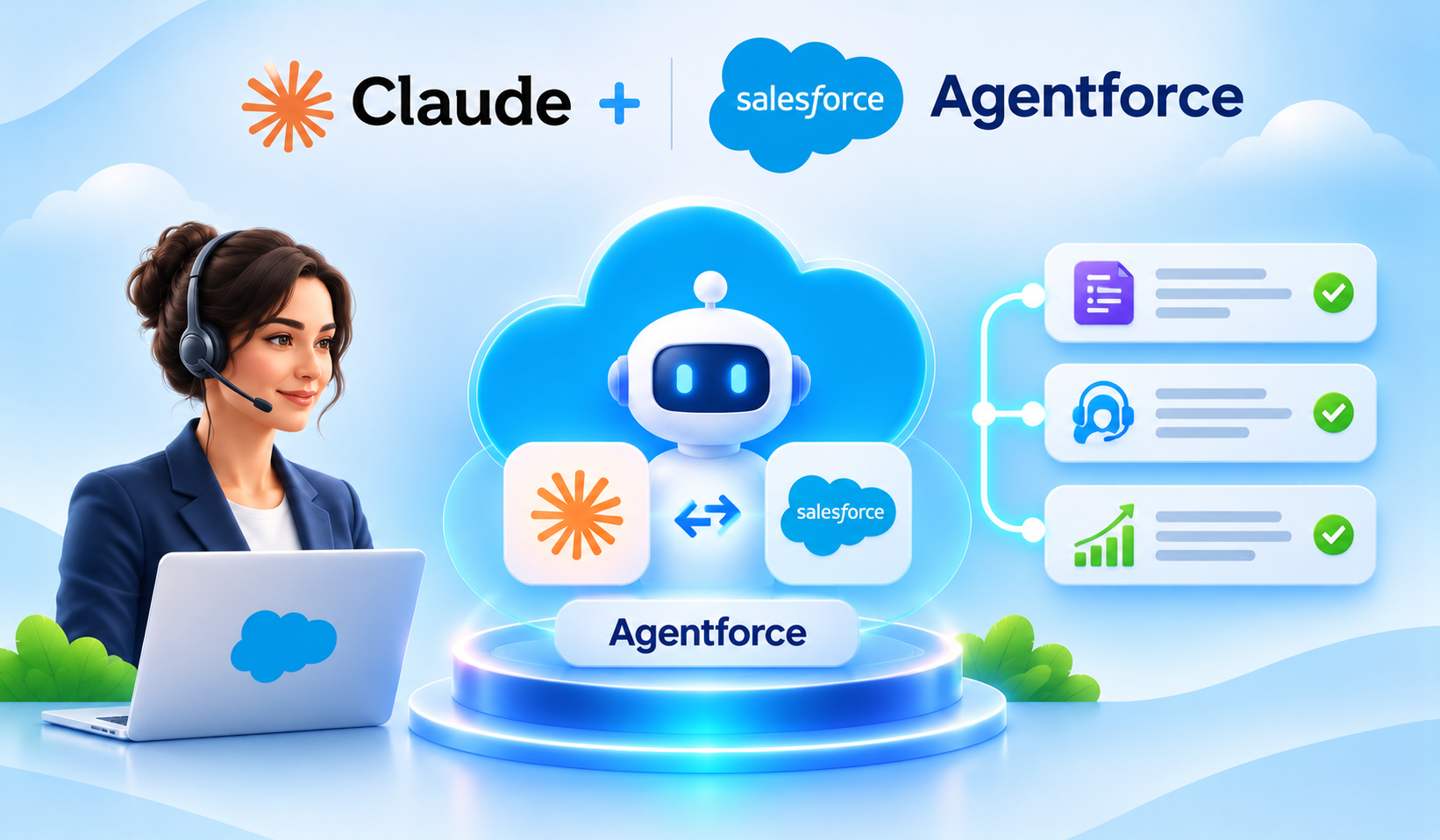
Table of Contents


A customer calls about an unresolved issue. Your service representative has the Case open, but important details are spread across notes, activity history and Knowledge articles. Imagine an AI assistant that brings those facts together, proposes the next step and lets the representative approve it without losing the Salesforce context.
That is the practical idea behind Claude and Salesforce Agentforce working together: Claude contributes language understanding and reasoning, while Agentforce brings Salesforce data, business actions and governance into the workflow. The result is more useful than a generic chatbot—provided the right data, models, permissions and review steps are configured.
What Is Claudeforce?
On August 26, 2026, Salesforce and Anthropic announced Claudeforce, an expanded partnership designed to bring Claude’s reasoning together with Salesforce data, workflows, business rules and enterprise controls. The announcement describes two complementary directions: Claude inside Salesforce products such as Agentforce, and Salesforce capabilities inside Claude through a plugin called Salesforce in Claude.
Claudeforce is a partnership and product initiative, not a new Salesforce Cloud that automatically replaces Agentforce. Availability, models, regional support and commercial terms depend on the specific product and configuration. Salesforce announced Salesforce in Claude with 37 prebuilt sales skills; that plugin is a distinct experience from choosing Claude as an eligible Agentforce model.
Claude vs. Salesforce Agentforce: Where Their Roles Separate
Claude is Anthropic’s AI model family, used to interpret requests, analyze relevant context and generate responses. Agentforce is Salesforce’s agent platform: it brings together agent instructions, subagents, permitted tools, CRM access, business rules, routing, monitoring and handoff. Claude can help decide what information means; Agentforce and its configured actions determine what work the assistant is allowed to do.
- Claude: understands a request, reasons over supplied information and drafts an answer or recommendation.
- Agentforce: defines the agent experience, which information and actions are available, and how requests move through a governed workflow.
- Salesforce Flow or Apex: enforces structured validation, writes CRM records and returns execution results when a permitted action runs.
- People and policies: decide which decisions need confirmation, escalation or a record of approval.
For example, Claude may suggest that a high-priority Case needs a follow-up Task. The task should be created only through an authorized Salesforce action that checks required fields and permissions not because a model claimed it was done. A Salesforce Agentforce Claude configuration is useful only when this division of responsibility is explicit.
Two Ways Claude AI and Salesforce Work Together
1. Claude inside Salesforce Agentforce
In supported configurations, Claude can serve as the reasoning model in an Agentforce experience. An employee works through a Salesforce agent, and the platform coordinates permitted Salesforce context and actions. Salesforce has documented Claude model options, including selected models hosted through Amazon Bedrock within the Salesforce Trust Boundary. The specific model and availability should be checked for the org, subagent and region.
2. Salesforce inside Claude, using Salesforce in Claude
Salesforce in Claude is a plugin for sellers who start in the Claude workspace rather than within an Agentforce interface. Salesforce and Anthropic describe sales skills for account research, meeting preparation, pipeline reviews and governed CRM updates. This is not the same as deploying an Agentforce agent with Claude as its model; setup, access, licensing and the experience differ.
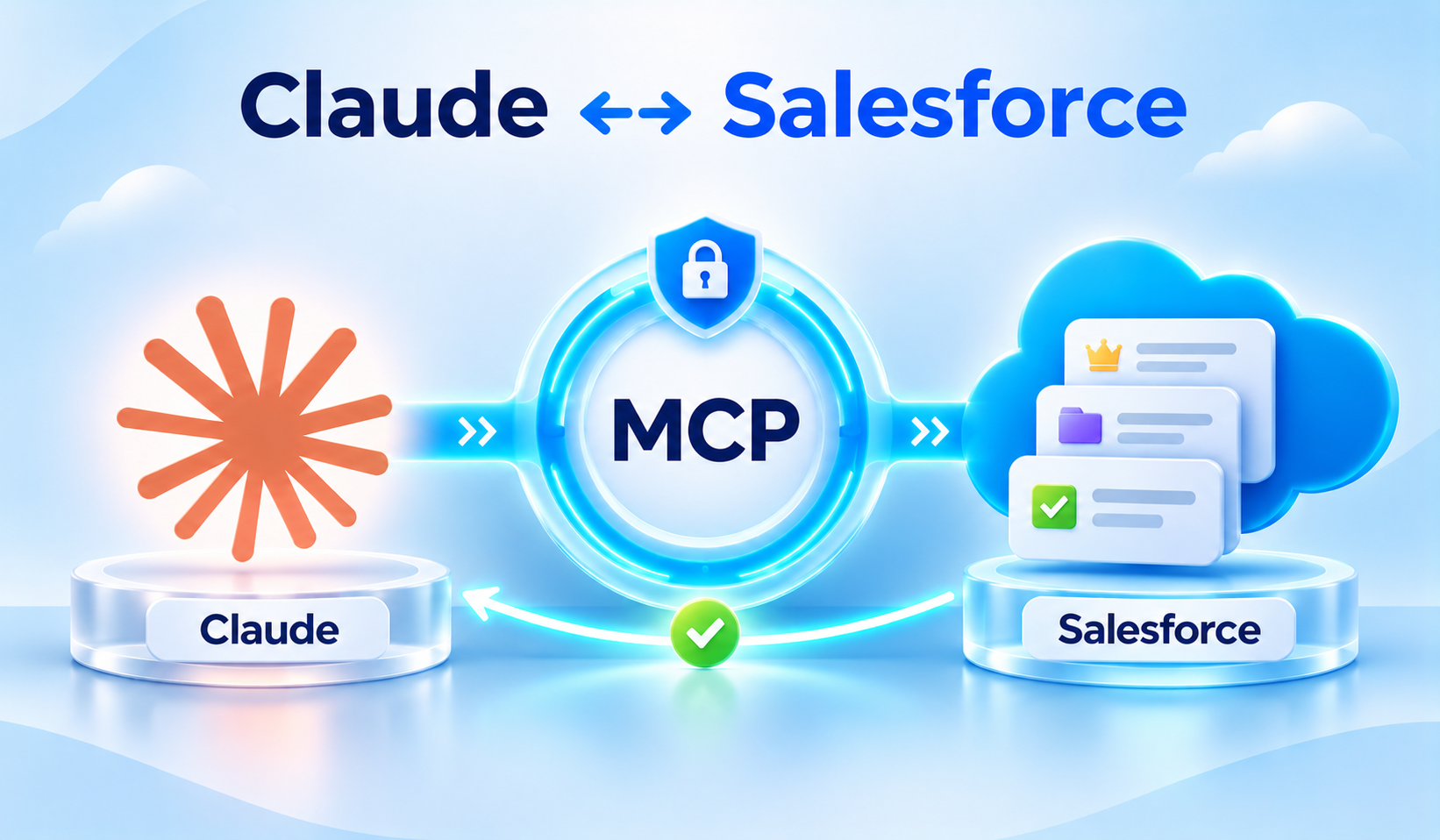
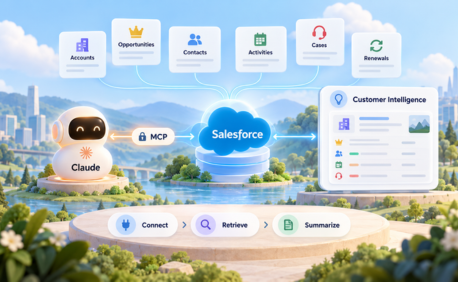
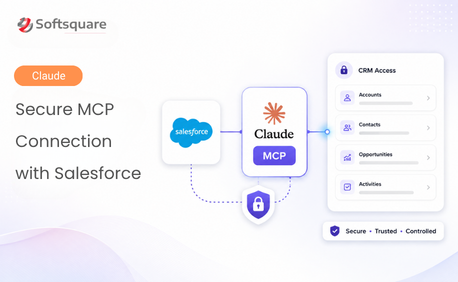
Teams that want to connect Salesforce to Claude should first decide where the employee will work. If the goal is to connect Salesforce data to Claude AI outside Salesforce, evaluate Salesforce in Claude or an approved MCP-based integration. If the goal is an agent operating within a Salesforce business workflow, evaluate Claude inside Agentforce. A Salesforce Claude integration project should not treat these options as interchangeable.
How Claude and Salesforce Agentforce Work Together: Step by Step
The following example describes the run-time experience of an Agentforce service assistant, not the administrator’s setup procedure. Exact routing and model execution vary by agent design and the features enabled in your org.
Step 1: A representative asks for help with a Case
A service representative opens a Case and asks the agent: “Summarize the issue, explain what has already been tried and suggest the next action.” The request starts from a defined Salesforce user or agent context.
Step 2: Agentforce finds the right instructions and authorized context
Agentforce routes the request to the relevant subagent or capability, then obtains permitted Case details, related interactions and approved Knowledge. Record sharing, field access and the agent’s configured data access must be tested, rather than assumed.
Step 3: Claude interprets the information and drafts a grounded response
When an eligible Claude model is selected, it reasons over the supplied context, organizes the history and identifies gaps. If the escalation reason or customer commitment is missing, the response should say so rather than fill the gap with a plausible guess.
Step 4: The assistant proposes an action for review
The assistant can suggest a follow-up Task, an escalation or a draft reply. For consequential changes, the user sees what will happen and confirms it before the action is executed. Suggested actions are not reported as completed actions.
Step 5: A Salesforce action applies the business rules
After approval, Agentforce invokes a permitted Flow, Apex action or other supported tool. Salesforce logic verifies inputs, ownership, validation rules and any required permissions before updating records.
Step 6: Agentforce reports the actual result or hands off
The agent returns the success or error result from Salesforce, with a record reference where possible. When the request is ambiguous or sensitive, it can route the work to a person instead of guessing. This is how Salesforce AI agents can combine helpful reasoning with operational control.
Five Practical Agentforce + Claude Workflows
These examples illustrate what a business can implement with appropriate data, models, licensing and actions. They are not a claim that every Salesforce org has all five workflows enabled by default.
1. Service Case briefing
An agent retrieves authorized Case history, related activity and approved articles. It summarizes the issue, customer impact, actions already tried and unanswered questions. The representative reviews the result before replying. Measure the time required to understand the Case and the rate of factual corrections.
2. Draft a customer reply
Using customer context and approved service guidance, the agent drafts a response in the organization’s tone. It should show references to source material where the interface supports them. A human reviews policy-sensitive commitments, pricing and accuracy before sending.
3. Sales Opportunity next-step review
An agent reviews Opportunity stage, recent activities and documented next steps. It proposes follow-ups for deals with missing information or slipping dates. Recommendations should be clearly identified as suggestions, not as verified sales forecasts.
4. Knowledge-guided employee assistance
A service employee asks how to handle a recurring issue. The agent retrieves an approved Knowledge article, then Claude explains the applicable procedure in plain language. Important policy details should link back to the authoritative article.
5. Follow-up Task creation
After a user accepts the recommendation, an authorized Salesforce action creates a Task linked to the correct Account, Opportunity or Case. Flow can enforce ownership, due dates and mandatory fields. The assistant confirms creation only after Salesforce returns a result.
How to Plan an Agentforce + Claude Implementation
This is the build-and-release process behind the end-user workflow above. It starts with governance and a measurable business objective not by enabling every available AI action.
Step 1: Select one narrow business outcome
Choose a repeatable scenario such as Case summarization or follow-up creation. Define baseline time spent, expected accuracy and the point at which a human must intervene.
Step 2: Confirm model eligibility and Salesforce access
Review available Agentforce model options, trust-boundary and region requirements, user or agent identity, and applicable licensing. Do not assume Claude is selectable in every environment or that all model versions have identical controls.
Step 3: Define approved grounding and actions
Specify objects, fields, Knowledge sources, the action catalogue and permitted outcomes. Prefer narrowly scoped Flow or Apex actions; keep record validation in Salesforce and require confirmation for sensitive or irreversible changes.
Step 4: Test realistic business scenarios
Test missing records, restricted fields, conflicting Knowledge, duplicate Accounts, failed tools, unexpected wording and handoffs. Review both the response and the actual action or record created. Compare outcomes with a trusted Salesforce source.
Step 5: Pilot, measure and improve
Start with a controlled group. Track response quality, case-handling time, incorrect recommendations, task completion, exceptions and adoption. Re-test when prompts, subagents, models, permissions or metadata change.
Security, Governance and Model Selection
A Claude AI Salesforce integration should be judged as an end-to-end system, not only by model output quality. Salesforce documents Claude availability in supported trust-boundary configurations, including Amazon Bedrock, but the data-handling arrangements depend on the selected service and deployment. Confirm current terms with the platform owners before using sensitive records.
- Apply least-privilege access to records, objects, fields, tools and agent identities.
- Use approved Knowledge and inspectable record references to ground answers.
- Record tool execution and CRM changes according to existing audit requirements.
- Require clear confirmation and escalation for high-impact or regulated processes.
- Evaluate accuracy, latency, cost and model availability against representative tasks.
What Business Leaders Should Look For
The key question is not whether a model can write an impressive paragraph. It is whether a complete Salesforce process improves. Set a business target—such as reducing time spent reviewing Case histories or improving follow-up consistency—then check accuracy, approval steps, security and what happens when the agent cannot complete a request.
Quick Checklist Before You Begin
- Pick a single Salesforce task with a measurable business benefit.
- Verify the Agentforce experience, supported Claude model option and licensing.
- Document allowed records, Knowledge sources, actions and approval points.
- Test with limited-access users in a nonproduction environment.
- Confirm Salesforce execution results and define escalation and monitoring.
Final Thoughts
Claudeforce brings together complementary strengths: Claude’s reasoning and Salesforce’s ability to ground work in business records, enforce rules and complete approved actions. The most valuable implementations start small, keep people in control and measure whether the entire process works reliably. That is how Claude and Salesforce Agentforce work together in practice.
How Softsquare Can Help
Softsquare can help assess Salesforce Agentforce readiness, select high-value use cases, configure approved data and actions, connect existing Flow or Apex logic, and validate AI agent behavior using realistic sales and service scenarios. Discuss a practical Agentforce + Claude use case with the Softsquare team.
Sources and Further Reading
Official Salesforce and Anthropic references for the product distinctions and technical details above. Model availability, licensing, region support and features may change.
- Salesforce: Claudeforce announcement (August 26, 2026): https://www.salesforce.com/news/press-releases/2026/08/26/salesforce-and-anthropic-announce-claudeforce/
- Salesforce Developers: Supported models for Agentforce: https://developer.salesforce.com/docs/ai/agentforce/guide/supported-models.html
- Salesforce: Agentforce Builder overview and migration: https://www.salesforce.com/agentforce/agent-builder/migration/
- Anthropic: Salesforce in Claude: https://claude.com/resources/articles/salesforce-in-claude
- Salesforce Developers: Exposing Agentforce through MCP: https://developer.salesforce.com/docs/platform/hosted-mcp-servers/guide/agentforce.html
Ready to Transform with AI?
Frequently Asked Questions
Claudeforce is the expanded Salesforce–Anthropic partnership announced on August 26, 2026. It covers Claude capabilities inside Salesforce experiences and Salesforce capabilities made available inside Claude. Agentforce remains Salesforce’s platform for building and governing AI agents.
No. Claude supplies model reasoning and language capabilities in supported configurations. Agentforce supplies the agent framework, permitted CRM context, routing, tools and business controls. Both roles are needed for a governed Salesforce workflow.
A supported Agentforce agent can use an eligible Claude model to interpret an employee request, summarize permitted Salesforce information and propose a next step. An approved Salesforce action can then execute the step with the required checks and permissions.
Claude in Agentforce supports an agent experience orchestrated through Salesforce. Salesforce in Claude is a separate plugin that lets eligible users work with Salesforce sales context and actions from the Claude workspace. They differ in where users work, how integrations are configured and which features are available.
Yes, when the Agentforce agent has a properly configured action and the execution context is authorized. For sensitive changes, the assistant should present the proposed action for approval. A record should be reported as updated only after Salesforce confirms success.
Security depends on the selected model configuration, Salesforce permissions, data grounding, tool restrictions, auditing and organizational review. Some Claude options are documented within the Salesforce Trust Boundary, but teams must confirm current regional support, data terms and controls for their specific deployment.
Begin with a narrow, verifiable workflow such as summarizing a Case or drafting a Knowledge-grounded response. Use a small pilot, compare the output with trusted records and measure both time saved and accuracy before allowing the agent to update records.
More Insights for you







Ready to Transform Your Business with Salesforce & AI?
