

What Is Salesforce Revenue Cloud? How It Works, Features & Benefits


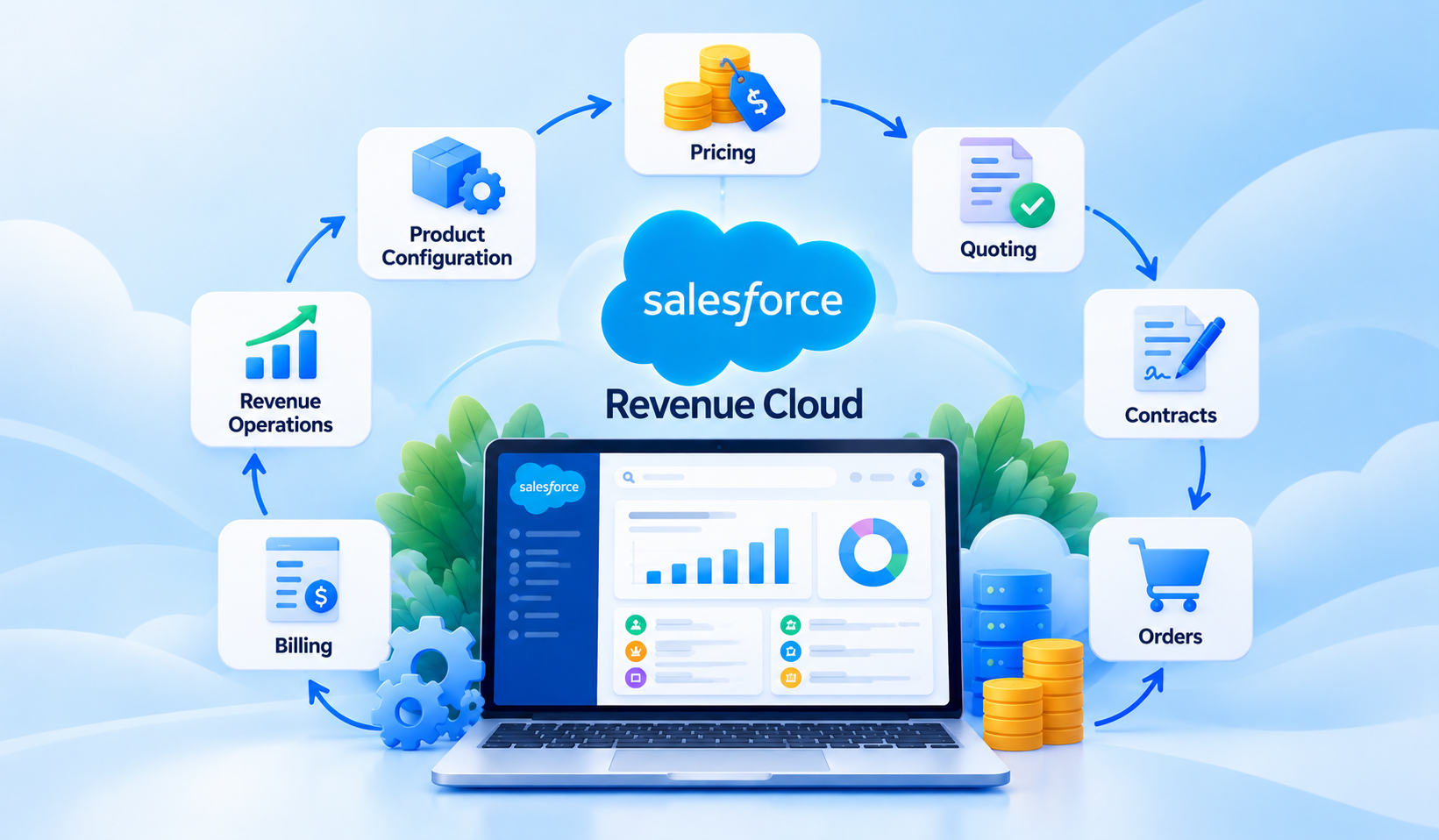
Table of Contents


Salesforce Revenue Cloud is a solution for managing revenue-related processes, from product configuration and pricing to quoting, contracts, orders, and billing. It helps businesses connect sales and financial operations, reduce manual handoffs, and create a more consistent buying experience.
But why does this matter?
Imagine a sales representative finalizing a complex deal. The product details are in Salesforce, pricing calculations happen in a spreadsheet, contract approvals take place over email, and billing information must be entered into another system. Even when each team works efficiently, moving information between these systems creates opportunities for delays and errors.
This is the challenge Salesforce Revenue Cloud aims to address.
In this guide, we'll explore how Revenue Cloud works, its key features and benefits, how it differs from Salesforce CPQ, and what businesses should consider before investing in it.
What Is Salesforce Revenue Cloud?
Salesforce Revenue Cloud is Salesforce's revenue lifecycle solution designed to connect commercial processes across sales, finance, and operations. It supports activities such as product catalog management, pricing, quoting, contracts, orders, and billing, helping businesses manage revenue workflows using connected data and automation.
The goal is to make the journey from a customer's initial purchase to ongoing revenue management more consistent and manageable.
Rather than treating quoting, contracting, and billing as completely separate activities, Revenue Cloud provides capabilities for connecting these processes within the Salesforce ecosystem.
Salesforce also uses the name Agentforce Revenue Management in its current product positioning. Businesses researching Salesforce Revenue Lifecycle Management should understand that product names, available capabilities, and packaging have evolved over time.
The exact functionality available depends on the Salesforce products, editions, licenses, and integrations selected.
How Does Salesforce Revenue Cloud Work?
Revenue Cloud helps businesses organize the steps involved in selling products or services, completing commercial agreements, and managing the resulting transactions.
A typical quote-to-cash process involves several connected stages.
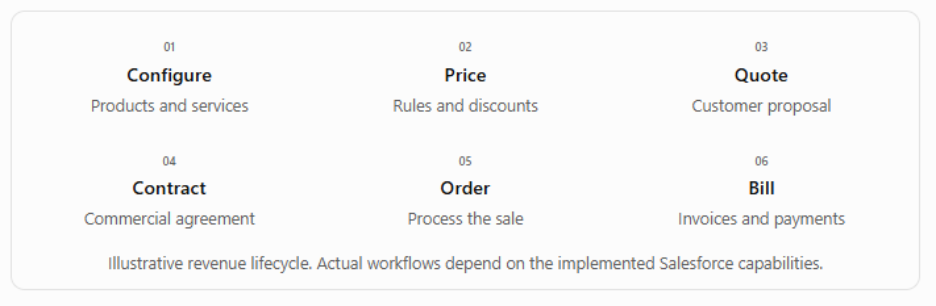
1. Configure products and services
The process begins with selecting the products, services, or subscriptions a customer wants to purchase. Businesses can organize their offerings using product catalogs and supported configuration rules.
2. Determine pricing
Pricing logic helps calculate costs based on the selected products, quantities, discounts, and applicable commercial conditions. Approval workflows may be introduced where required.
3. Generate customer quotes
Sales representatives prepare quotes using the configured products and calculated prices, reducing the need to recreate commercial details manually.
4. Manage contracts and orders
Once a quote is accepted, supported workflows can connect the agreement with contract and order processes, helping downstream teams work with consistent information.
5. Support billing and revenue operations
Depending on the products implemented, businesses can manage invoicing, subscriptions, amendments, and other billing-related activities.
A practical example
Consider a technology company selling an annual software subscription with a one-time implementation service.
Its sales team needs to calculate subscription pricing, apply an approved discount, include implementation charges, and prepare a customer quote.
With an appropriately configured Revenue Cloud solution, these activities can follow a connected process. Once the customer accepts the proposal, relevant information can move into contract, order, and billing workflows.
This is an illustrative scenario, not a guarantee that every Revenue Cloud package includes the entire workflow.
The business value comes from reducing unnecessary handoffs while giving teams more reliable information throughout the sales cycle.
Key Features of Salesforce Revenue Cloud
Revenue Cloud brings together capabilities that support different stages of the revenue lifecycle. The features a business can use depend on its purchased products and implementation.
1. Product Catalog and Configuration
Businesses selling multiple products, bundles, or subscription packages need a structured way to manage their offerings.
Revenue Cloud capabilities can help teams organize product catalogs, define available options, and configure products according to business rules.
This is particularly useful when sales representatives need to select compatible products or create complex bundles without relying on spreadsheets.
2. Pricing and Discount Management
Pricing becomes challenging when businesses offer different rates based on customer agreements, product combinations, quantities, or subscription terms.
Supported pricing capabilities help businesses apply pricing rules consistently and manage discount approvals.
Instead of manually checking every calculation, sales teams can follow defined commercial policies.
3. Quoting and Quote Management
Preparing accurate quotes is one of the most important activities in the sales process.
Revenue Cloud quoting capabilities help representatives build proposals using product and pricing information.
For businesses handling complex deals, this can reduce repetitive work, improve consistency, and make quote preparation easier to manage.
4. Contract and Order Management
Closing a deal is not the end of the revenue process.
Contracts, order creation, and fulfillment-related activities must also be coordinated.
Revenue Cloud's supported contract and order capabilities help connect commercial agreements with downstream processes. Integrations may still be needed for fulfillment systems or specialized contract requirements.
5. Billing and Subscription Management
Subscription businesses often deal with recurring charges, renewals, amendments, and changes to customer agreements.
Salesforce offers billing-related capabilities that can support invoicing and subscription processes, depending on the purchased products and configuration.
Businesses should verify whether their requirements are covered by their selected package or require additional billing products or integrations.
6. Revenue Lifecycle Visibility and Automation
When revenue information is distributed across multiple systems, understanding the status of a customer transaction becomes difficult.
Connected workflows can improve visibility into quotes, contracts, orders, and other revenue-related activities.
Automation can also reduce duplicate data entry and help teams manage handoffs between departments.
7. Integrations and AI Capabilities
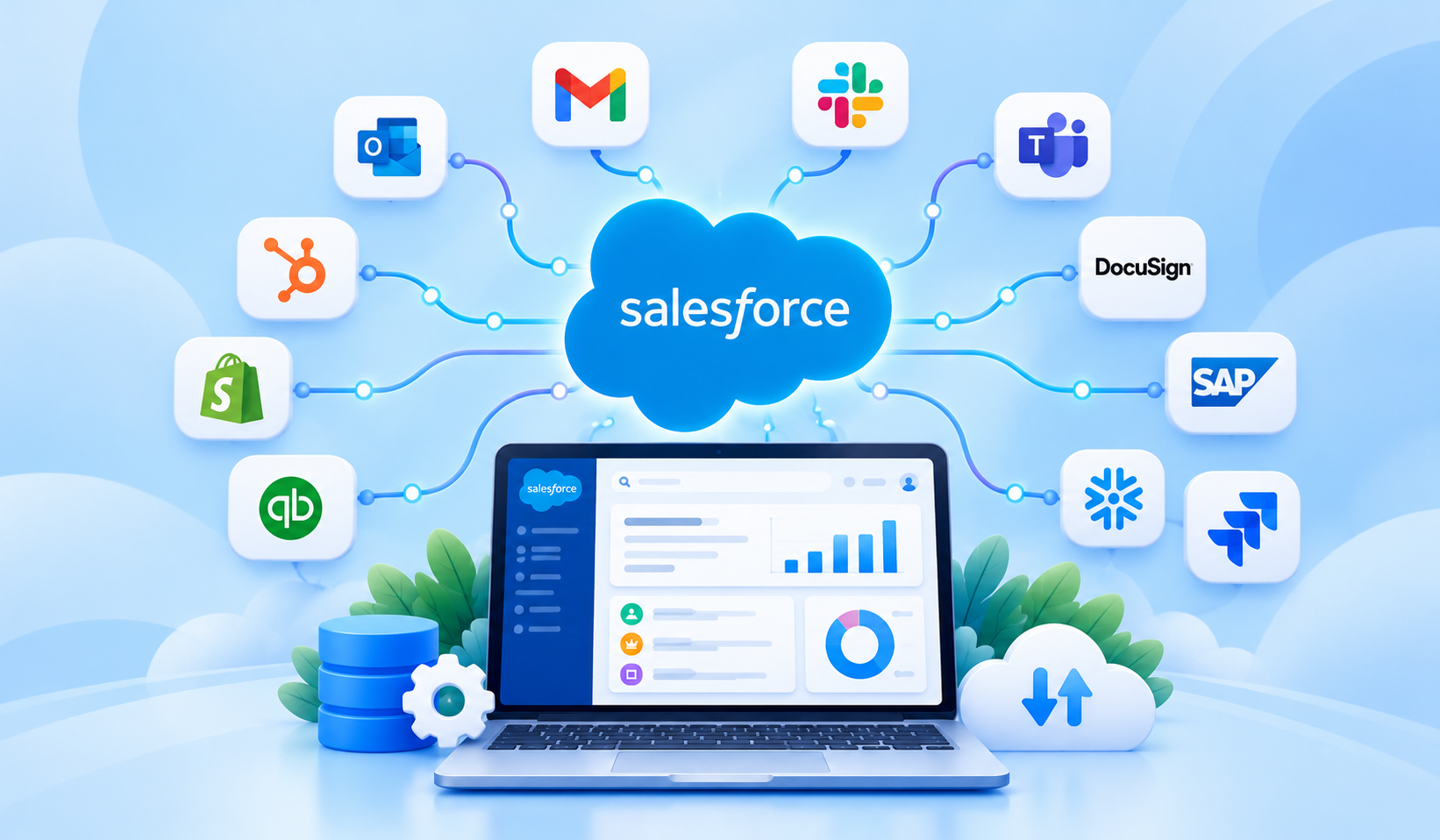
Revenue Cloud can be connected with other Salesforce applications and external business systems, including ERP and financial platforms, using supported integration approaches.
Salesforce also offers Agentforce capabilities for revenue-related use cases, such as assisting users with product or quoting activities where supported.
However, AI functionality, integrations, and advanced automation may require additional products, configuration, or licensing.
What Are the Benefits of Salesforce Revenue Cloud?
The value of Revenue Cloud goes beyond creating quotes. It comes from improving how information moves between the teams responsible for generating and managing revenue.
More connected quote-to-cash processes
Sales, finance, and operations can work with more consistent information, reducing dependence on disconnected spreadsheets and manual communication.
Greater pricing and quoting consistency
Defined product catalogs and pricing rules help teams follow established commercial policies and reduce inconsistencies in customer proposals.
Less repetitive administrative work
Automation can reduce manual calculations, duplicate entries, and unnecessary approval handoffs, allowing employees to focus on higher-value activities.
Better collaboration across departments
Sales representatives, contract teams, and finance professionals can coordinate more effectively when relevant revenue information is accessible through connected processes.
Improved revenue visibility
Businesses can gain clearer insight into the status of commercial transactions and identify delays in their revenue workflows.
A more consistent customer experience
Accurate quotes, smoother order processing, and coordinated billing can make purchasing and ongoing customer interactions easier.
These are potential benefits rather than guaranteed results. Outcomes depend on process design, data quality, integrations, user adoption, and implementation quality.
Is Salesforce Revenue Cloud the Same as Salesforce CPQ?
No. Salesforce Revenue Cloud and Salesforce CPQ are related, but they are not interchangeable.
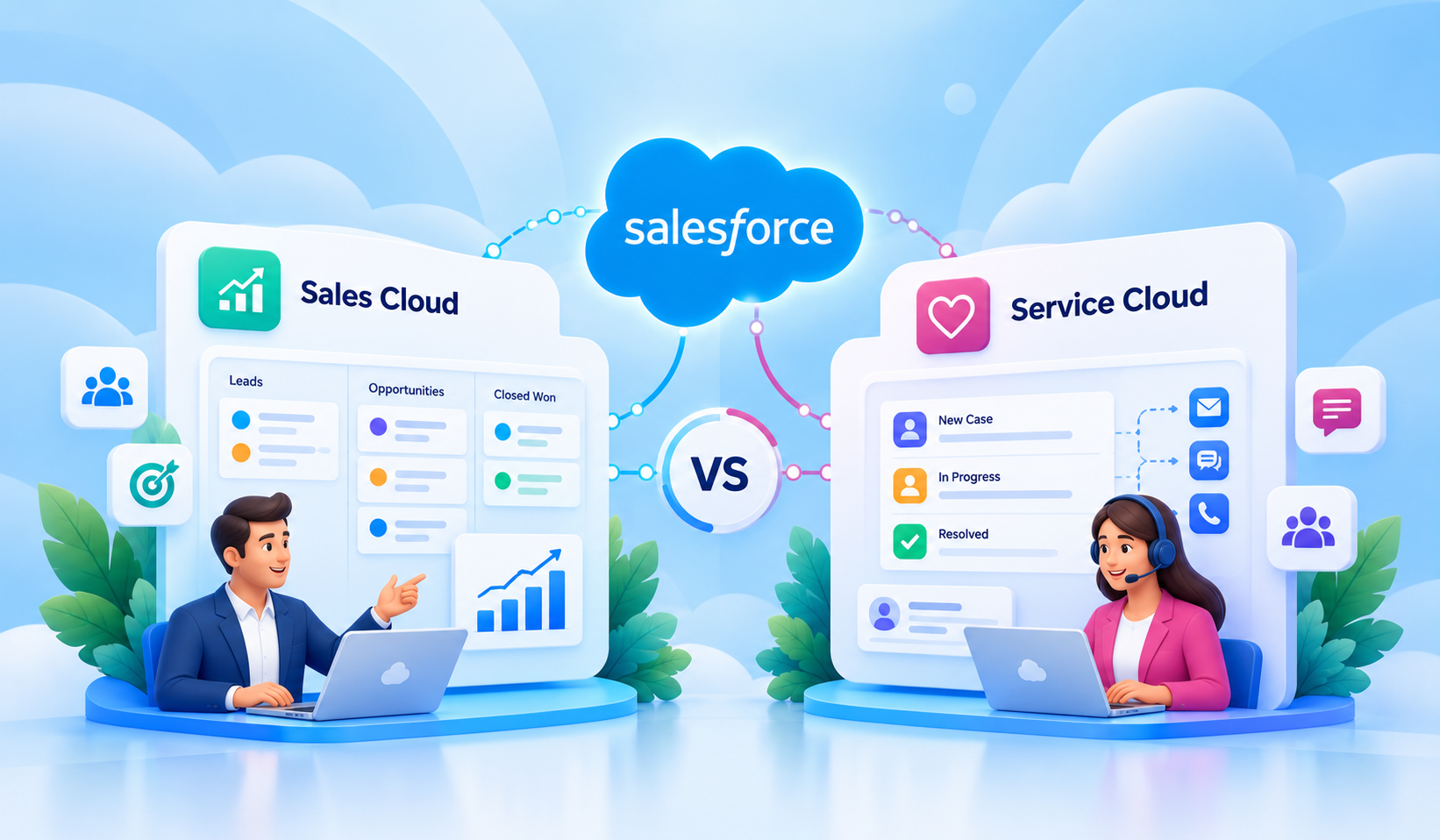
Salesforce CPQ stands for Configure, Price, Quote. It traditionally focuses on helping sales teams select products, calculate prices, and generate accurate customer quotes.
Salesforce Revenue Cloud has a broader scope, bringing together capabilities that can support the revenue lifecycle beyond quoting, including contract, order, and billing processes.
An important distinction is that Salesforce's legacy CPQ product and newer revenue management offerings have different architectures and product packaging.
Organizations already using Salesforce CPQ should not assume that moving to Revenue Cloud is simply a license change or an automatic upgrade.
Existing configurations, pricing rules, integrations, and business processes may need to be evaluated before considering a transition.
Salesforce Revenue Cloud Pricing: What Affects the Cost?
How much does Salesforce Revenue Cloud cost?
There is no single price that applies to every business. The total investment depends on which Revenue Cloud products and capabilities are required, how they are licensed, and the complexity of the implementation.
The main cost considerations include:
- Products and editions: Different capabilities may be offered through different packages or additional products.
- User licenses: Costs may depend on the number and type of users who need access.
- Usage requirements: Certain services or capabilities may have usage-based charges.
- Implementation: Configuring product catalogs, pricing rules, approvals, and workflows requires planning and development.
- Integrations and migration: Connecting ERP, billing, and other systems or migrating existing CPQ data can increase project costs.
- Ongoing administration: Training, support, testing, and future enhancements should also be considered.
Licensing is only one part of the total cost of ownership.
For example, a business with a straightforward product catalog may have fewer implementation requirements than an organization managing complex subscriptions, regional pricing, and multiple billing systems.
For current pricing, review the Salesforce revenue management pricing page or contact Salesforce for a quote covering the specific products being considered.
How to Evaluate Whether Salesforce Revenue Cloud Is Right for Your Business
Revenue Cloud can be valuable for businesses managing complex sales and revenue processes. However, adopting it should begin with understanding where the existing process needs improvement.
Review Your Revenue Process
Map how products are configured, prices are calculated, quotes are approved, contracts are finalized, and orders are processed.
Identify where teams rely on spreadsheets, reenter information, or wait for approvals.
Assess Your Existing Systems
Review the Salesforce products already in use alongside ERP, finance, billing, and contract management applications.
Determine which processes should operate within Salesforce and which require integration with existing systems.
Define Measurable Goals
Before implementing new technology, establish a baseline for metrics such as:
- Time required to prepare and approve quotes
- Frequency of pricing or order errors
- Number of manual handoffs between teams
- Time between quote acceptance and order processing
These measurements help businesses evaluate whether their investment delivers meaningful improvements.
Plan a Phased Implementation
Instead of attempting to transform every revenue process simultaneously, begin with the areas creating the greatest operational friction.
A phased approach might start with product configuration and quoting, followed by contracts, orders, and billing integrations.
Stakeholder alignment, testing, user training, data governance, and change management are essential throughout the implementation.
Salesforce Revenue Cloud vs. Revenue Management Software
Revenue management software is a broad category of business applications used to manage revenue-related activities.
These solutions may focus on pricing optimization, subscription billing, revenue recognition, financial forecasting, or other commercial processes.
Revenue Cloud Salesforce solutions, by comparison, are part of the Salesforce ecosystem and are designed around connected customer and revenue workflows.
The right choice depends on what the business needs to manage.
For businesses already invested in Salesforce, Revenue Cloud may offer advantages through its alignment with existing CRM processes.
However, organizations with specialized financial requirements or established enterprise platforms should evaluate integration needs, functionality, and long-term costs before deciding.
Conclusion
Managing revenue involves much more than closing a sale. Product configuration, pricing, quoting, contracts, orders, and billing all need to work together to support a consistent customer experience.
Salesforce Revenue Cloud helps businesses connect these activities, improve collaboration, and reduce unnecessary manual work.
But choosing the right solution requires understanding your revenue process, existing systems, licensing requirements, and implementation priorities.
At Softsquare, we help businesses evaluate, implement, customize, and integrate Salesforce solutions around their operational needs.
Looking to simplify your quote-to-cash processes? Connect with Softsquare to discuss your Salesforce Revenue Cloud requirements and explore the right approach for your business.
Ready to Transform with AI?
Frequently Asked Questions
Salesforce Revenue Cloud helps businesses manage connected revenue processes, including product configuration, pricing, quoting, contracts, orders, and billing, depending on the products implemented.
No. CPQ focuses primarily on configuring, pricing, and quoting products. Revenue Cloud covers a broader range of revenue lifecycle activities, with capabilities depending on the selected offering.
Key capabilities include product catalogs, pricing management, quoting, contract and order processes, billing-related functionality, automation, and revenue visibility.
Costs depend on product selection, licenses, usage, and implementation requirements. Contact Salesforce for current pricing and evaluate integration and maintenance costs separately.
Yes. Salesforce offers Agentforce capabilities for supported revenue management workflows. Availability depends on the product, configuration, and applicable licensing.
Salesforce offers subscription and billing-related capabilities, but businesses should verify which products and licenses are needed for their specific billing requirements.
Yes. Revenue Cloud can be integrated with ERP and financial applications using supported APIs, middleware, and integration solutions. The approach depends on the systems and workflows involved.
More Insights for you









Ready to Transform Your Business with Salesforce & AI?
