

Claude Code for Salesforce: What Developers and Business Teams Should Know


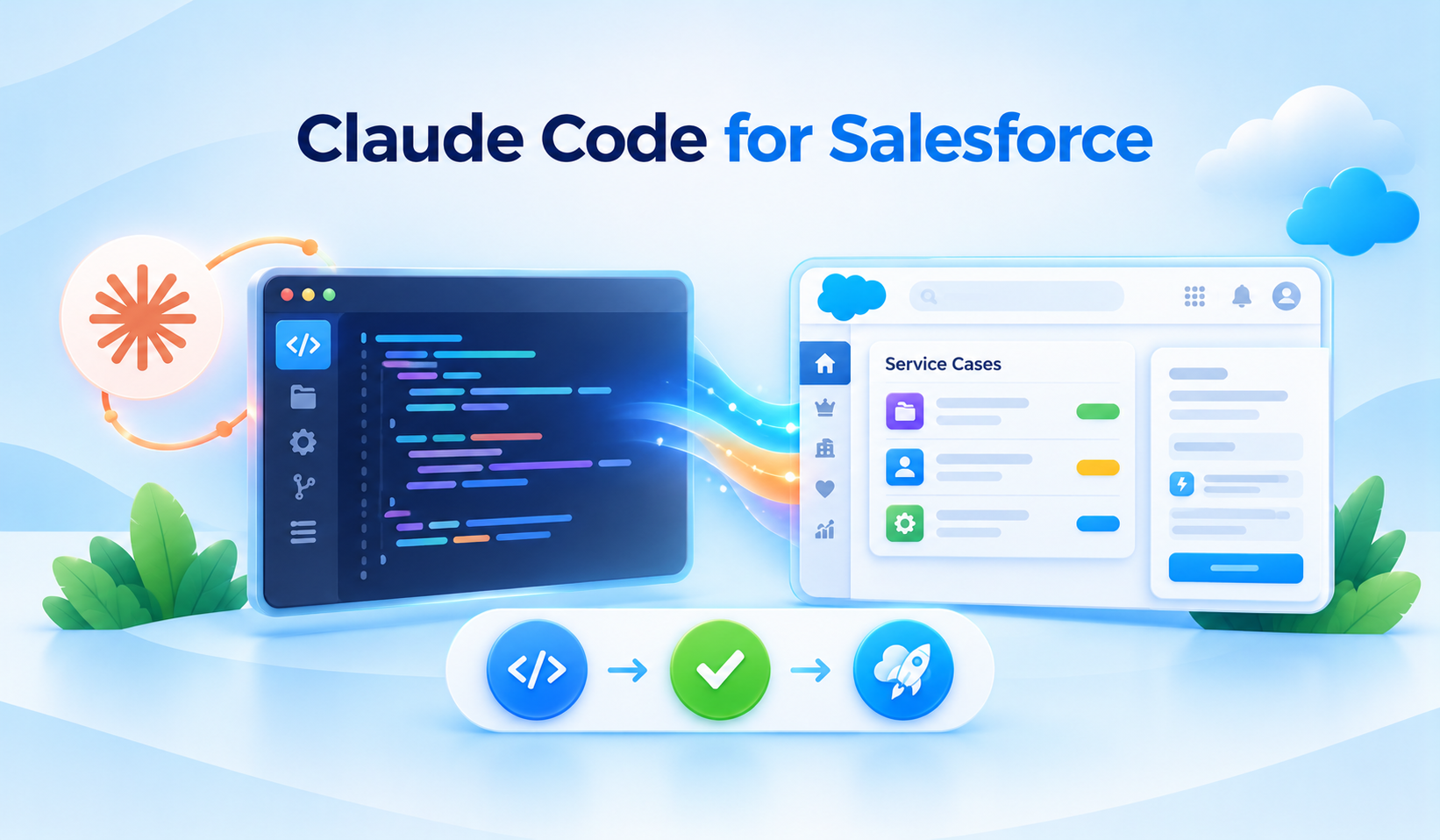
Table of Contents


Most Salesforce users do not write Apex or build Lightning Web Components (LWCs). But they rely on the developers who improve screens, fix issues and deliver new features. Claude Code for Salesforce development can help those developers work more efficiently with project files, tests and troubleshooting. Here is what that means for developers and the business teams they support.
Why Business Teams Should Care About a Developer Tool
Claude Code is primarily for people who create and maintain software. A salesperson will not normally use it to update an Opportunity. The business value comes indirectly: developers can investigate issues, prepare code changes and write tests more efficiently, while still following normal reviews and releases.
An Everyday Example: A Better Case Screen
Suppose customer service staff need a new screen showing overdue Cases and their owners. A developer can use Claude Code to help prepare a Lightning Web Component, which is a reusable piece of a Salesforce page. The developer still checks the design, permissions, performance and test results before the screen is released to employees.
AI-assisted coding can generate an Apex class in seconds. But a Salesforce developer’s real job is broader: understanding an org’s metadata, respecting governor limits, enforcing sharing and field permissions, writing useful tests and deploying safely. Claude Code becomes more interesting when it operates with Salesforce-specific context rather than treating every request like a generic programming exercise.
Salesforce introduced its official Salesforce Development plugin for Claude Code in August 2026. It brings together Salesforce-specific skills, MCP-powered tools, specialized agents, hooks and commands. Salesforce’s Winter ’27 developer guidance also covers the plugin as part of the headless developer toolkit. Capabilities and setup requirements can evolve, so follow the current official documentation.
What Is Claude Code for Salesforce?
Claude Code for Salesforce combines Anthropic’s AI coding assistant with a Salesforce DX project and appropriate developer tools. The assistant can inspect code and metadata, suggest focused changes and support build, test or deployment tasks through permitted integrations. It does not replace Salesforce CLI, engineering judgment or the organization’s release process.
What Is Included in the Salesforce Development Plugin?
Using Claude Code with Salesforce is more effective when the assistant understands the project, the relevant metadata and the intended org. The official Salesforce Development plugin adds reusable guidance and tools for common platform tasks. These capabilities support developers, but every change still needs verification.
Salesforce development skills
Skills encode guidance for common Salesforce tasks. Instead of having to explain every platform rule in each prompt, a developer can rely on reusable instructions that focus on supported patterns. Skills are guidance, not an automatic proof of code correctness.
Specialized development agents
Salesforce describes specialized agents for development, architecture review and Agentforce development lifecycle activities. These can help focus work on the relevant Salesforce domain.
MCP servers and language tooling
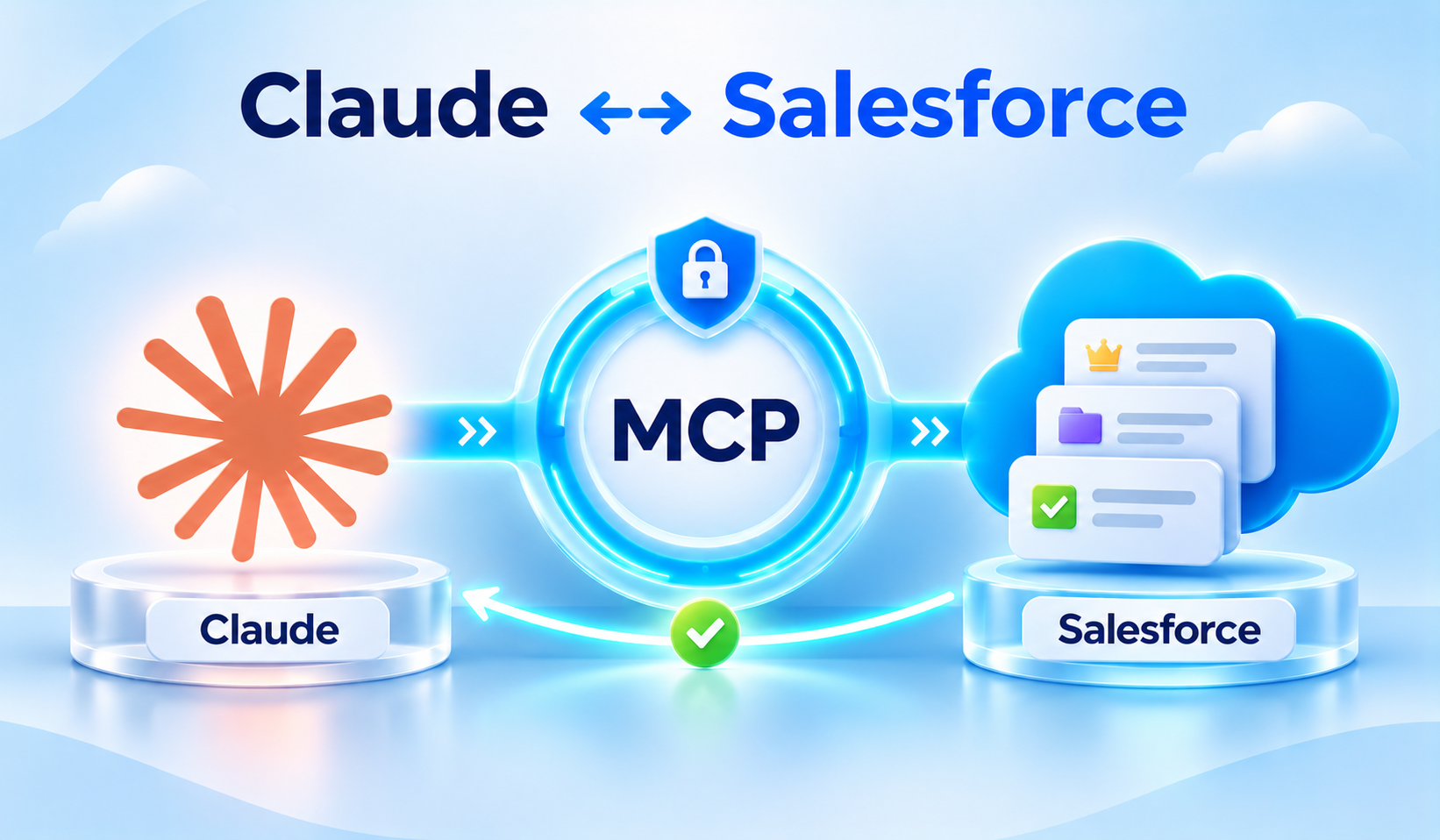
The plugin includes MCP-backed capabilities for API/metadata context and local Apex/SOQL language services. That can help the assistant diagnose issues against actual project structure rather than relying solely on general code-generation knowledge.
Hooks and commands
Hooks can detect Salesforce project context or validate certain operations; commands provide shortcuts for common workflows. As with all automation, developers should know which commands run and against which org.
How to Get Started
If you are wondering how to use Claude Code for Salesforce development, start with a controlled Salesforce DX project and a nonproduction org. Follow the latest supported setup instructions instead of relying on older dependency versions.
1. Prepare your environment. Install a supported Claude Code version, Salesforce CLI and prerequisites listed in the official Salesforce guide. Open the intended Salesforce DX repository.
2. Install the official plugin. Use the documented Salesforce Development plugin listing and follow its setup and authentication steps.
3. Confirm project and org context. Run documented setup checks, verify the active Salesforce org, and begin with a read-only analysis prompt.
4. Test in a safe environment. Use a scratch org or sandbox to validate proposed changes before considering production deployment.
Use Case 1: Generate a Bulk-Safe Apex Service
Example prompt: “In this Salesforce DX project, implement an Account assignment service that handles up to 200 incoming records, performs no database queries or record updates inside loops, and includes unit tests for bulk, empty and negative scenarios. Before coding, inspect existing services and summarize your design.”
Evaluate the result for handling many records efficiently, predictable query counts, transaction boundaries, error handling, access control and maintainability. Ask Claude to explain the governor-limit implications, but verify by running actual Apex tests and reviewing debug output when needed.
Use Case 2: Build a Lightning Web Component
Example prompt: “Create an LWC that displays overdue Cases with a search field, loading and error states, accessible labels and SLDS styling. Use an Apex controller only if Lightning Data Service or UI API is insufficient. Show the file-by-file plan first.”
Strong LWC review covers accessibility, reactive state, data access, component communication, error handling, performance and whether the solution unnecessarily introduces custom Apex. Visual design should also be checked in Salesforce, not judged only from the generated source.
Use Case 3: Improve an Existing Trigger
Ask Claude to inspect the trigger, handler and supporting services, then propose a minimal refactor. Require it to identify recursion risk, trigger context assumptions, CPU-heavy loops and potential duplicate DML. A meaningful improvement includes tests demonstrating that prior behavior is preserved.
Use Case 4: Write Better Apex Tests
Test generation should begin from business behavior, not just a request for coverage above a number. Ask for tests covering valid inputs, invalid data, permission assumptions, multiple-record transactions and meaningful assertions. Where relevant, use test data factories and avoid reliance on existing org data.
Use Case 5: Review SOQL and Security
Claude can highlight queries that may return excessive data, use nonselective filters or mishandle user supplied parameters. It can also flag object and field permissions and sharing concerns. The final decision still requires platform-aware analysis: inspect query plans where necessary, run Salesforce Code Analyzer and test with representative user profiles.
Use Case 6: Prepare Metadata Changes
Use project context to plan changes to custom objects, fields, permission sets or Lightning pages. A useful prompt asks the assistant to list affected metadata files, dependencies, deployment order and rollback considerations before making edits.
Use Case 7: Understand Deployment Failures
Provide the actual deployment diagnostics and ask Claude to classify failures: missing metadata dependency, invalid reference, test failure, permission problem or target-org mismatch. It can help propose a fix, but do not accept a broad destructive change merely to eliminate a deployment error.
A Recommended Development Workflow
A Claude Code Salesforce workflow should begin with a scoped requirement, not a request to rewrite an entire application. When using Claude Code for Salesforce development, treat AI suggestions as reviewable code changes. A consistent process keeps the work traceable, testable and easier to approve.
1. Inspect before changing. Have Claude read the relevant project files and summarize requirements, current behavior, risks and dependencies.
2. Agree on a small plan. Define files to change, test cases, expected behavior and explicit out-of-scope items.
3. Generate and review a focused diff. Prefer a small, reviewable patch over wholesale changes to classes, profiles or permission sets.
4. Validate in a sandbox or scratch org. Run Apex tests and static analysis, verify UI behavior, and confirm the intended target environment.
5. Use normal release controls. Keep pull requests, code review, CI/CD policy, deployment gates and rollback preparation. AI assistance should accelerate the process, not replace it.
Claude Code vs. Agentforce Vibes
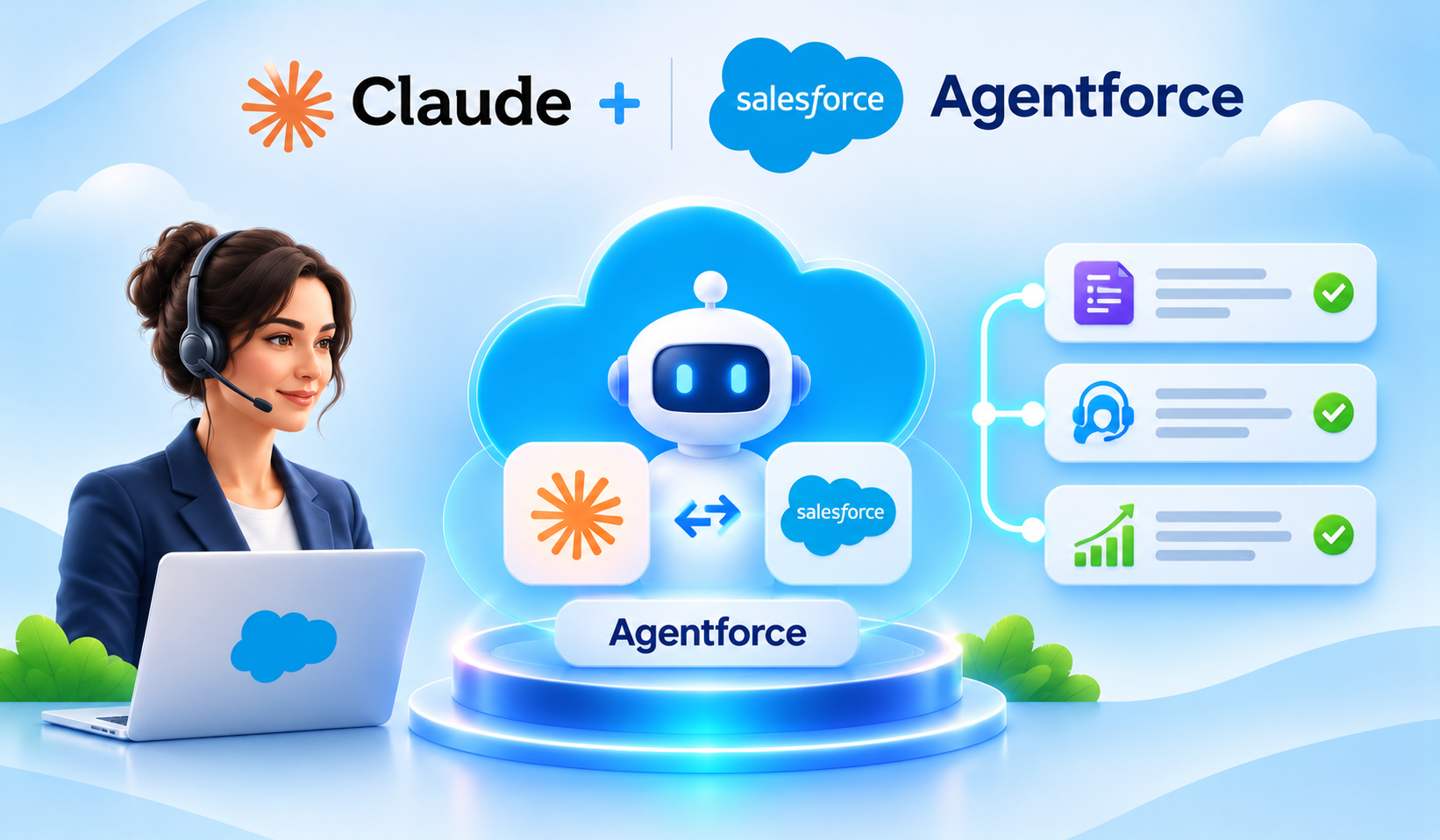
These are related but distinct developer experiences. Claude Code is Anthropic’s coding assistant and can use Salesforce’s Development plugin. Agentforce Vibes is Salesforce’s own developer experience with supported model options. Choose based on your team’s tooling, security requirements and preferred development workflow rather than treating the products as interchangeable.
Important Limitations
AI-generated code is a starting point, not proof that a Salesforce feature is ready for production. Incomplete metadata, hidden sharing rules and the wrong target org can create problems that a plausible code suggestion will not reveal. These limitations make human review and org-based testing essential.
- Generated code can compile and still be functionally incorrect.
- A model may infer object or field names incorrectly when metadata context is incomplete.
- Security, sharing and field-access defects can hide in otherwise clean-looking Apex.
- Passing tests do not prove that every business scenario has been covered.
- A deployment to the wrong Salesforce org can create serious release risk.
A Quick Checklist Before You Begin
- Choose one well-defined Salesforce development task with clear acceptance criteria.
- Use an approved repository and verify the nonproduction org before running commands.
- Review data access, sharing, object and field permissions, and tool authorization.
- Ask for a small, inspectable code diff before allowing modifications or deployment.
- Run Apex tests, Salesforce Code Analyzer and relevant UI checks; use normal PR and CI/CD approvals.
What Salesforce Administrators Can Take Away
Admins can use Claude Code insights to scope work more effectively with development teams. Before requesting custom Apex or an LWC, check whether standard configuration or Flow can meet the requirement. When code is appropriate, define the user experience, testable acceptance criteria and access rules—then review the delivered behavior rather than treating AI-generated source as finished software.
How Softsquare Can Help
The strongest use of Claude Code in Salesforce is disciplined assistance: faster project discovery, clearer implementation plans and better diagnostics, all backed by standard engineering controls. Softsquare can help teams modernize Salesforce codebases, introduce safe AI-assisted development practices and build maintainable Apex, LWC and Agentforce solutions.
Talk to Softsquare about safe, maintainable Salesforce development.
Sources and Further Reading
Official references for product details. Capabilities, availability and installation requirements can change.
- Salesforce Developers — Headless Development with Skills and a Claude Code Plugin
- Salesforce Developers — Salesforce Development Plugin Overview
- Salesforce Developers — Install Salesforce Development
- Salesforce Developers — Headless Toolkit Development Workflow (November 2026)
- Salesforce Developers — Agentforce Vibes Overview
Ready to Transform with AI?
Frequently Asked Questions
It is Claude Code used with Salesforce project files and approved tools to support tasks such as Apex development, LWC changes, testing and troubleshooting. Developers still validate every suggested change.
Open a Salesforce DX project, install the supported Salesforce Development plugin, connect the intended org and start with a small analysis task. Review the proposed diff and test it in a sandbox or scratch org.
Yes. Salesforce documents skills and tooling for Salesforce application development, including Apex and LWC-related workflows. Check the current plugin documentation for specific coverage.
It can assist with deployments through configured CLI and plugin integrations. Developers must verify the target org, permissions, test results and deployment changes before execution.
No. Claude Code can help draft tests and spot gaps, but teams still need to run tests, assess assertions and validate real business scenarios and governor-limit behavior.
Yes, mainly through better-scoped requirements, quicker developer investigations and more maintainable fixes. It is a development assistant, not a substitute for everyday CRM screens or admin configuration tools.
Use least-privilege access, approved repositories and integrations, careful review of tool permissions, and nonproduction testing. Keep code review, static analysis and controlled deployment approvals in place.
More Insights for you








Ready to Transform Your Business with Salesforce & AI?
