

15 Practical Ways to Use Claude with Salesforce


Table of Contents


Salesforce teams spend time preparing for meetings, checking deals, reviewing Cases and keeping records up to date. These Salesforce Claude use cases show how Claude can assist when connected to the right Salesforce information and approved actions. Here are 15 practical scenarios, explained in terms of what people do at work.
How to Read These Use Cases
When evaluating Claude for Salesforce CRM, consider the Salesforce data, licenses, permissions and tools each workflow requires. Some examples align with Salesforce in Claude sales skills; others call for Agentforce or a custom integration. These are realistic implementation scenarios, not features automatically available in every Salesforce or Claude plan.
A Day in the Life of a Salesforce User
In the morning, a seller prepares for a customer meeting. After the call, they draft a follow-up and review proposed CRM updates. Meanwhile, a service representative summarizes a long Case and prepares a handover. The value is not another generic AI-generated paragraph; it is faster access to customer context, clearer next steps and less repetitive administration, with people still reviewing important decisions.
Sales Use Cases: Turn CRM Context into Better Decisions
1. Prepare for an Account meeting
Claude can summarize accessible Account information, open Opportunities, activities and relevant service issues into a concise meeting brief. Example prompt: “Prepare a one-page brief for this Account, highlighting open deals, recent interactions, risks and three questions to ask. Only use available Salesforce information.” The user should be able to inspect the underlying records.
2. Summarize opportunity health
Instead of opening every Opportunity field, a seller can request a structured summary: stage, amount, close date, decision-makers, blockers and next steps. Missing inputs should be marked as unknown, not guessed. Use this as preparation for the deal review, not as an automated win prediction.
3. Identify stalled deals
A sales manager can ask for accessible Opportunities without recent activity or a populated next step. Claude can explain why the records were flagged, and a manager can confirm follow-up priorities. Criteria such as “stalled” should be explicitly defined by sales operations.
4. Review the sales pipeline
Claude can organize a pipeline discussion around changes in expected close dates, large deals with incomplete fields and patterns by stage. If totals or conversion rates are requested, use Salesforce-derived calculations and show the reporting period and filters.
5. Draft personalized follow-up emails
Using permitted meeting context, the assistant can draft a customer follow-up that captures discussion topics and next steps. A human should approve any commitments, pricing statements or legal language before sending.
6. Improve CRM data hygiene
Claude can flag records missing ownership, next-step details or renewal information and propose corrections. The data owner should review changes before any bulk update, and validation rules should remain active.
7. Prepare renewal and expansion reviews
Combine accessible contract or renewal records with recent activity and service context. The output might identify accounts requiring a renewal conversation. It should avoid inventing account health scores where no approved scoring model exists.
Service Use Cases: Help Teams Resolve Work Faster
8. Summarize a complex service Case
For a long Case history, Claude can organize the issue, previous troubleshooting, customer impact and outstanding questions. A representative verifies the summary before using it to communicate with the customer.
9. Draft case responses from approved Knowledge
Claude can use relevant and current Knowledge articles to draft a response. For policy or contractual matters, include a clear reference and ask for human review. The assistant should not improvise a remedy unsupported by company rules.
10. Surface escalation candidates
An assistant can organize Cases by configured indicators such as SLA risk, priority and elapsed time. It may recommend escalation, but Salesforce business logic or a supervisor should make the final routing decision under documented policy.
11. Create a shift-handover summary
At the end of a service shift, Claude can summarize unresolved Cases, next expected actions and known blockers for the next agent. A strong implementation records source timestamps and separates known facts from proposed actions.
12. Assist internal case triage
Claude can suggest a category or queue based on the Case description and approved routing guidance. The system should allow a user to correct the result and should not silently override rule-based assignment rules.
Operations Use Cases: Move from Answers to Approved Actions
13. Create follow-up Tasks
After generating a meeting or Case summary, the assistant can propose Tasks with due dates and owners. An approved Salesforce Flow can validate required fields and create the records after user confirmation.
14. Update records using governed workflows
Rather than permitting arbitrary field updates, configure specific actions such as “Update Opportunity Next Step” or “Mark Follow-up Completed.” Narrow actions are easier to secure, test and audit than broad write access.
15. Run cross-object operational checks
A user may ask for Accounts with open high-priority Cases and near-term renewal dates. Claude can synthesize authorized cross-object information into a prioritized review list. For production use, validate query performance and source accuracy, and avoid unnecessary exposure of sensitive fields.
What a Real Workflow Looks Like
Consider a customer-success manager preparing for a renewal. Today, they may open the Account, contract, Opportunities, recent activities and open Cases separately, then write a summary. With a properly governed Claude AI Salesforce integration, they can request a renewal briefing built from authorized CRM context. Claude can propose follow-up actions, while the manager checks the source records and approves any Salesforce updates.
How Can These Use Cases Be Implemented?
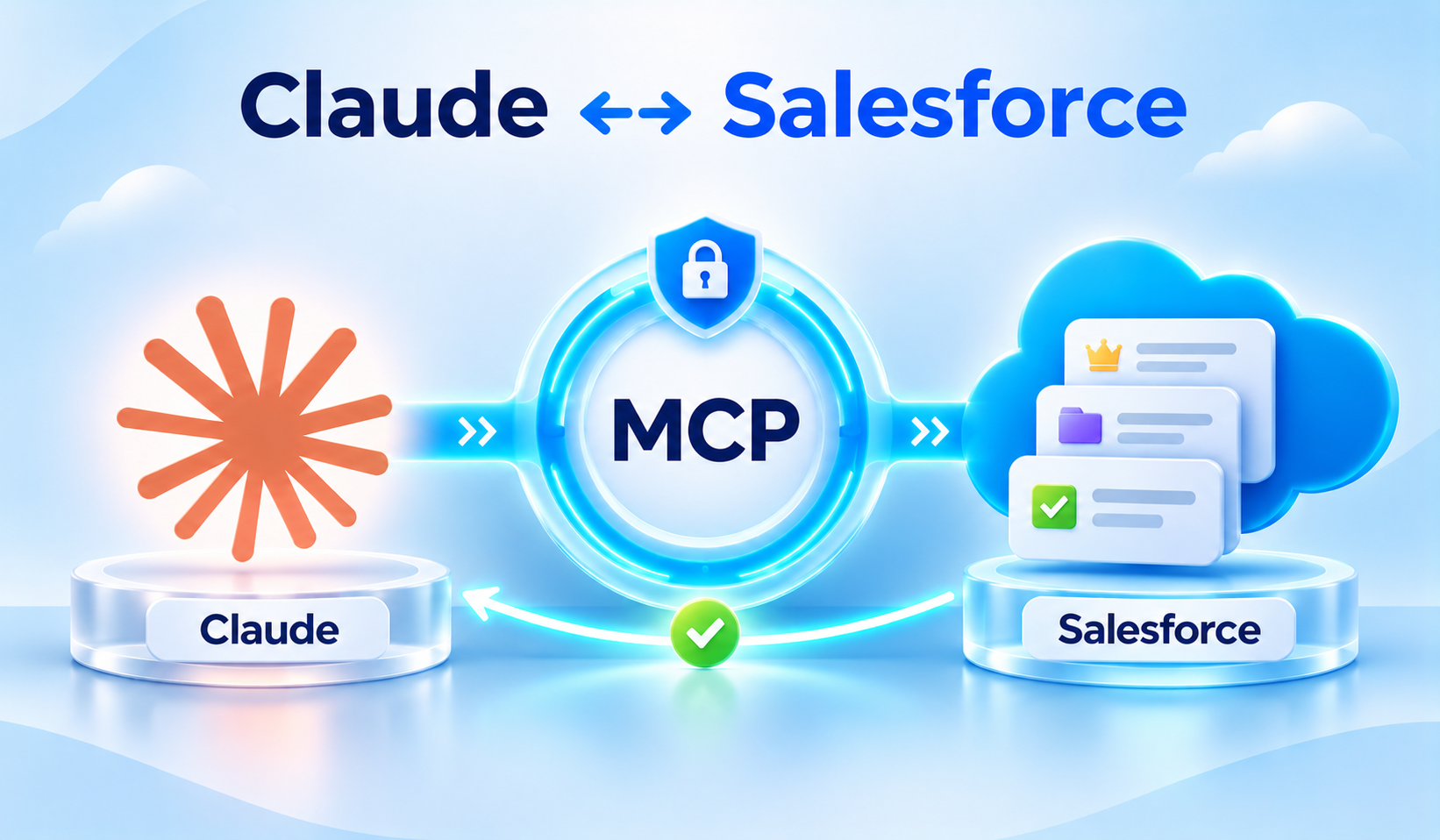
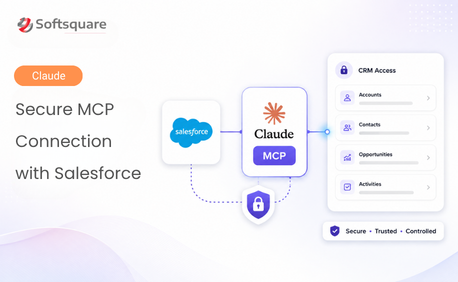
A Claude Salesforce integration can take several forms. Salesforce in Claude is worth evaluating for packaged sales workflows. Agentforce is relevant when the agent experience is built in Salesforce. Salesforce Hosted MCP Servers can connect a supported Claude client to authorized Salesforce data and narrowly scoped custom actions. Flow and Apex remain useful for business rules, approvals and auditable updates. The right approach depends on the specific use case, access controls and available licenses.
Official References
- Salesforce and Anthropic announce Claudeforce
- Connect Claude with Salesforce Hosted MCP Servers
- How to Secure Salesforce Hosted MCP Servers
Capabilities, supported clients, regions and licensing can change; verify current Salesforce documentation before deployment.
Measure Business Value
- Preparation time saved per account, meeting or case.
- Percentage of outputs accepted without material correction.
- Task completion and adoption by target users.
- Number of manual CRM steps avoided after approval.
- Security or policy exceptions and escalation rates.
Do not measure success solely by the number of prompts. Measure whether the workflow produces accurate information and a real improvement for the employee or customer.
Guardrails for Every Use Case
- Use only the Salesforce fields and records necessary for the task.
- Respect sharing, object and field permissions.
- Make source records inspectable where possible.
- Require confirmation for sensitive, financial or bulk actions.
- Ensure proposed actions are clearly distinguishable from completed actions.
- Test missing data, unexpected inputs and failure handling.
A Simple Way to Choose Your First Use Case
Start by asking which Salesforce task is repetitive, time-consuming and easy to verify against existing records. For a first Salesforce integration with Claude, rank candidates by frequency, time saved, data quality, business risk and action complexity. Meeting briefs and Case summaries are often safer starting points than bulk record updates. Define who approves the output, how you will measure success and what happens when the answer is incomplete.
A Quick Checklist Before You Begin
- Choose one everyday Salesforce task with a clear business benefit.
- Confirm what Salesforce information the approved connection can access.
- Ask an administrator to review user permissions and data handling.
- Start with summaries or suggestions before enabling record updates.
- Have a Salesforce user verify the results and report anything missing or incorrect.
How Softsquare Can Help
The strongest Salesforce + Claude use cases deliver trustworthy context and help employees take their next step with less friction. Softsquare can help prioritize Salesforce AI use cases, connect approved CRM data, implement narrowly scoped Salesforce actions and test outcomes against real business scenarios.
Find the best Salesforce + Claude starting point for your organization with Softsquare.
Ready to Transform with AI?
Frequently Asked Questions
Sales teams can prepare Account meeting briefs, review Opportunity health, identify stalled deals, draft follow-up emails and prepare renewal discussions. Results should use accessible CRM records and remain subject to user review.
Claude can summarize long Case histories, draft responses from approved Knowledge articles, highlight potential escalations, prepare shift handovers and suggest triage categories. Service agents should verify the output before acting.
No. Access depends on the configured integration, identity, permissions and available tools. A correctly implemented solution should not bypass Salesforce access controls.
Teams can evaluate Salesforce in Claude for supported sales workflows or use Salesforce Hosted MCP Servers with a supported Claude client. Agentforce, Flow and Apex can support custom, governed workflows, depending on the implementation.
Some packaged workflows and configured Flow actions may reduce custom development. Complex business logic, security controls and integrations may still require architecture and engineering work.
Yes, when an approved integration exposes those actions. For example, Claude can propose follow-up Tasks or narrowly scoped field updates. Salesforce rules should validate the changes, and users should approve sensitive or bulk actions.
Sales operations and service teams often have repeatable work such as meeting briefs, Opportunity reviews and Case summaries. Start with a low-risk use case and measure time saved, accuracy and user adoption.
More Insights for you










Ready to Transform Your Business with Salesforce & AI?
