

Every Case File. Clear, Organized, and Right Where Agents Need It.
View, compare, edit, and manage every service file across records, formats, and devices without leaving Service Cloud.
What is Service Cloud?
Challenges in Service Cloud

How Media Manager helps Service Cloud Users
Put customer proof where service teams need it.
Bring screenshots, logs, manuals, uploads, and related files into the case workspace across desktop, mobile, and Experience Cloud, so teams can troubleshoot without opening multiple records.
- View Case, Account, and Contact files together
- Use File Tree for structured case navigation
- Reduce file hunting with File Browser
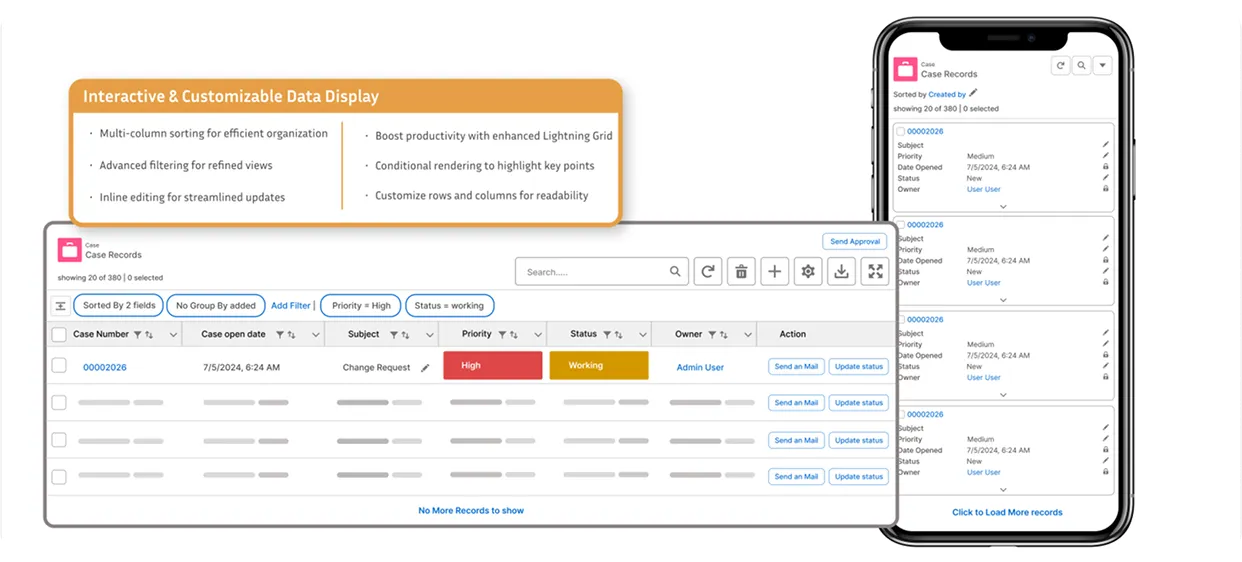
Structure files around the support journey.
Use File Tree, custom folders, grouping, search, sorting, and filters to organize files by issue type, troubleshooting stage, or related record.
- Create custom folders for diagnostics, approvals, or fixes
- Group files by case, asset, contact, or issue type
- Locate supporting documents with search and filters
Inspect issue files without breaking resolution flow.
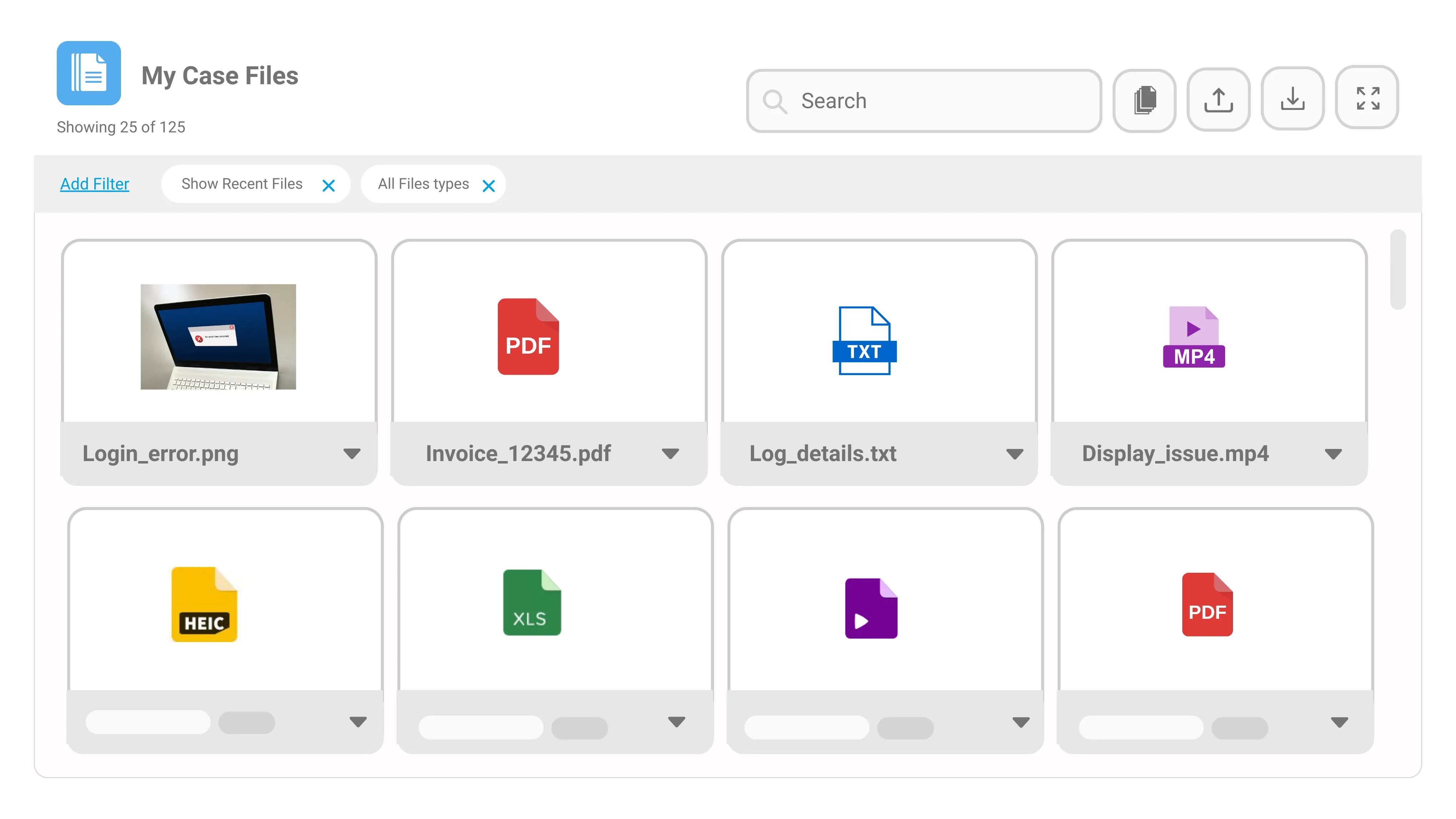
Preview screenshots, PDFs, logs, videos, audio clips, and HEIC images inside Salesforce so teams can review evidence while working the case.
- Open customer evidence inside the case workspace
- Preview screenshots, logs, manuals, and HEIC files
- Use list, tile, or slider views based on file type
Keep uploads, emails, and versions traceable.
Capture customer email attachments, manage updated files, and maintain version history so service teams work with accurate case documentation.
- Capture Email-to-Case attachments
- Upload new versions of case files
- Track file changes with version history
Clean up customer visuals before the next step.
Edit screenshots, photos, or field images directly inside Salesforce so support teams can inspect, correct, and save visual evidence without external tools.
- Crop, rotate, compress, and zoom images
- Save corrected images back to the case record
- Support clearer documentation for follow-ups
Move case work forward from files
Use bulk handling and run row or list actions to manage files faster and connect them with Salesforce Flow, Lightning Web Components, and Lightning Components.
- Upload or download multiple files
- Launch LWC or Lightning Component actions
- Run file-level actions for one or many records
Results with Media Manager
trusted by over 1000 organizations worldwide





















Got other Questions in mind?





.webp)


Work Smarter Inside Salesforce
Manual processes and scattered data create bottlenecks across sales, ops, and support. Our Salesforce-native products eliminate the friction so your teams can focus on results — not workarounds.

AGrid
Media Manager

User 360